Claude Code — Getting Started
Install and configure Claude Code, Anthropic's terminal-based AI coding agent. Covers installation, authentication, project configuration, and first session walkthrough.
Claude Code — Getting Started
Claude Code is Anthropic's terminal-based AI coding agent. It reads your codebase, writes and edits files, runs terminal commands, and can autonomously complete multi-step engineering tasks — all through natural language prompts in your terminal.
Installation
# Via npm (recommended)
npm install -g @anthropic-ai/claude-code

# Via Homebrew
brew install --cask claude-code

# Verify installation
claude --version
Authentication
Sign in with a Claude subscription or an Anthropic Console account. If you use an API key, get one at console.anthropic.com (API Keys section).
# Optional: set an API key
export ANTHROPIC_API_KEY="sk-ant-..."

# Or let Claude Code prompt you to sign in on first run
claude
First Session
Navigate to your project directory and launch Claude Code:
cd my-project
claude
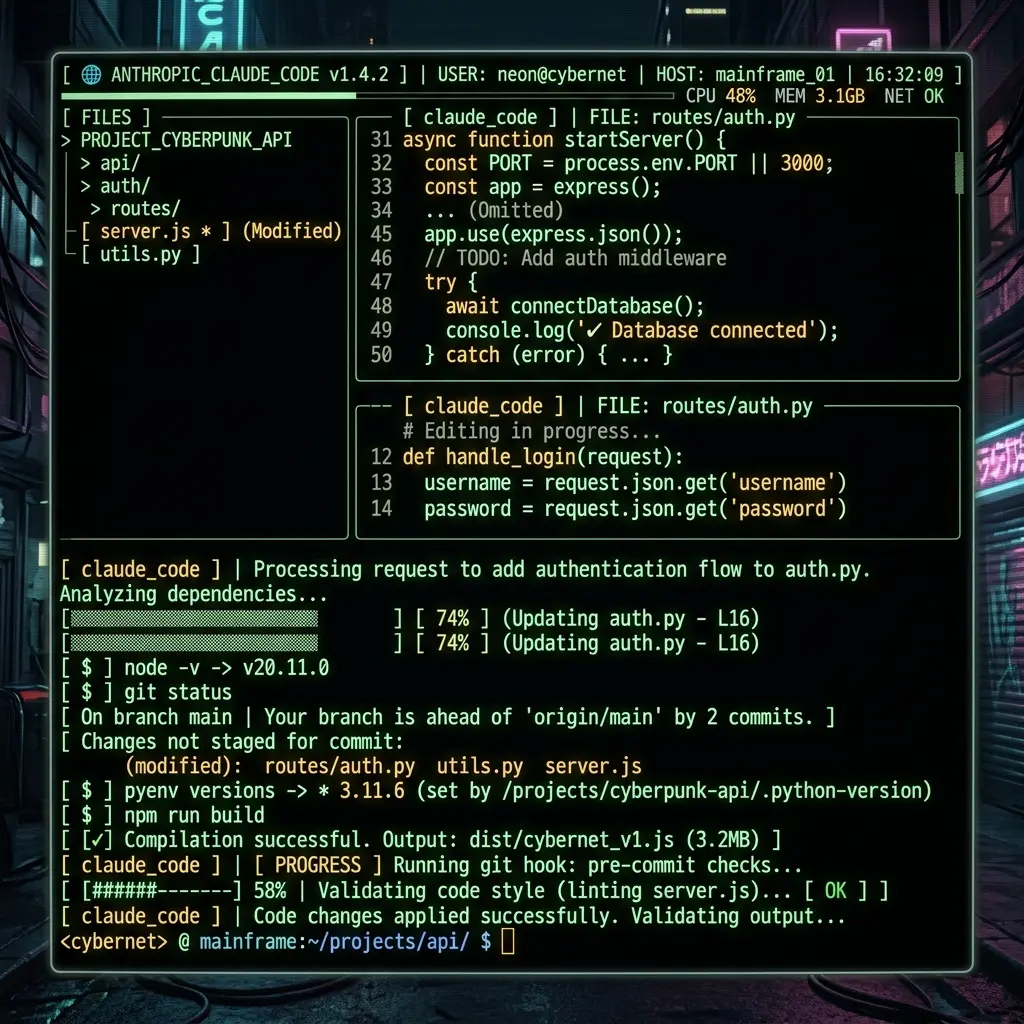
Claude Code scans your project structure automatically. On first run, you'll see:
⚡ Welcome to Claude Code!

  Directory: /Users/you/my-project
  Model: Sonnet 5.5 (default)
  Context: 1M tokens

  Type /help for available commands.

>
Type a prompt to start:
> Explain the architecture of this project and suggest improvements
Claude Code will read relevant files, analyze the structure, and respond inline in your terminal.
Essential Commands & References
| Command | What it does |
|---|---|
/help | Show all available commands |
@<path> | Reference a file inline with an @ mention |
/clear | Clear conversation history |
/compact | Compress context by summarizing history |
/config | Open configuration settings |
/cost | Show current session token costs |
/doctor | Diagnose installation issues |
/init | Initialize CLAUDE.md for this project |
Project Configuration: CLAUDE.md
Create a CLAUDE.md file in your project root (or .claude/CLAUDE.md). Claude Code reads this every session — it's your project's system prompt.
# CLAUDE.md

## Commands
- `npm run dev` — Start development server
- `npm run build` — Production build
- `npm run lint` — ESLint + TypeScript check
- `npm run test` — Run test suite

## Architecture
- Next.js 14 App Router
- TypeScript strict mode
- Tailwind CSS for styling
- PostgreSQL via Prisma ORM

## Conventions
- Use server components by default
- `'use client'` only for interactivity
- Path alias `@/` maps to project root
- No any types — use explicit types or unknown
See Prompt Engineering in Claude Code for advanced CLAUDE.md patterns.
Environment Variables
| Variable | Purpose |
|---|---|
ANTHROPIC_API_KEY | API authentication (optional when signed in with a subscription) |
ANTHROPIC_MODEL | Override default model |
CLAUDE_CODE_MAX_OUTPUT_TOKENS | Max output tokens per request |
ANTHROPIC_BASE_URL | Custom API endpoint (proxies) |
Related Pages
- Prompt Engineering in Claude Code — CLAUDE.md patterns, extended thinking
- Claude Code Configuration Reference — claude.json, MCP, hooks, .claude/ conventions
- Tool Comparison — Claude Code vs OpenCode vs Gemini CLI vs Cursor vs Copilot
- Claude Code vs Gemini CLI vs OpenCode (Blog) — Head-to-head comparison
- Prompting Claude Code (Prompts Section) — Detailed CLAUDE.md command patterns
- MCP Setup for Claude Code — Adding MCP servers
Sources
Related Articles & Guides
Claude Code — AI Coding Agent
Complete guide to Claude Code, Anthropic's terminal-based AI coding agent. Covers installation, prompt engineering, configuration, CLAUDE.md patterns, and best practices.
 #omp
#ompOh My Pi (OMP): Install, Connect Providers, and Start Coding
Install Oh My Pi (OMP), connect Anthropic, OpenAI, or OpenCode Go, pick a model, and run a small inspect-change-verify-resume workflow.
Pi — Terminal AI Coding Agent
Complete guide to pi, Mario Zechner's minimal terminal coding agent. Covers installation, prompt engineering, context files, skills, and the lean-harness philosophy.