Product Mockup Prompts: E-commerce Photography
Create professional e-commerce product photography and packaging mockups with Nano Banana. Master lighting and composition.
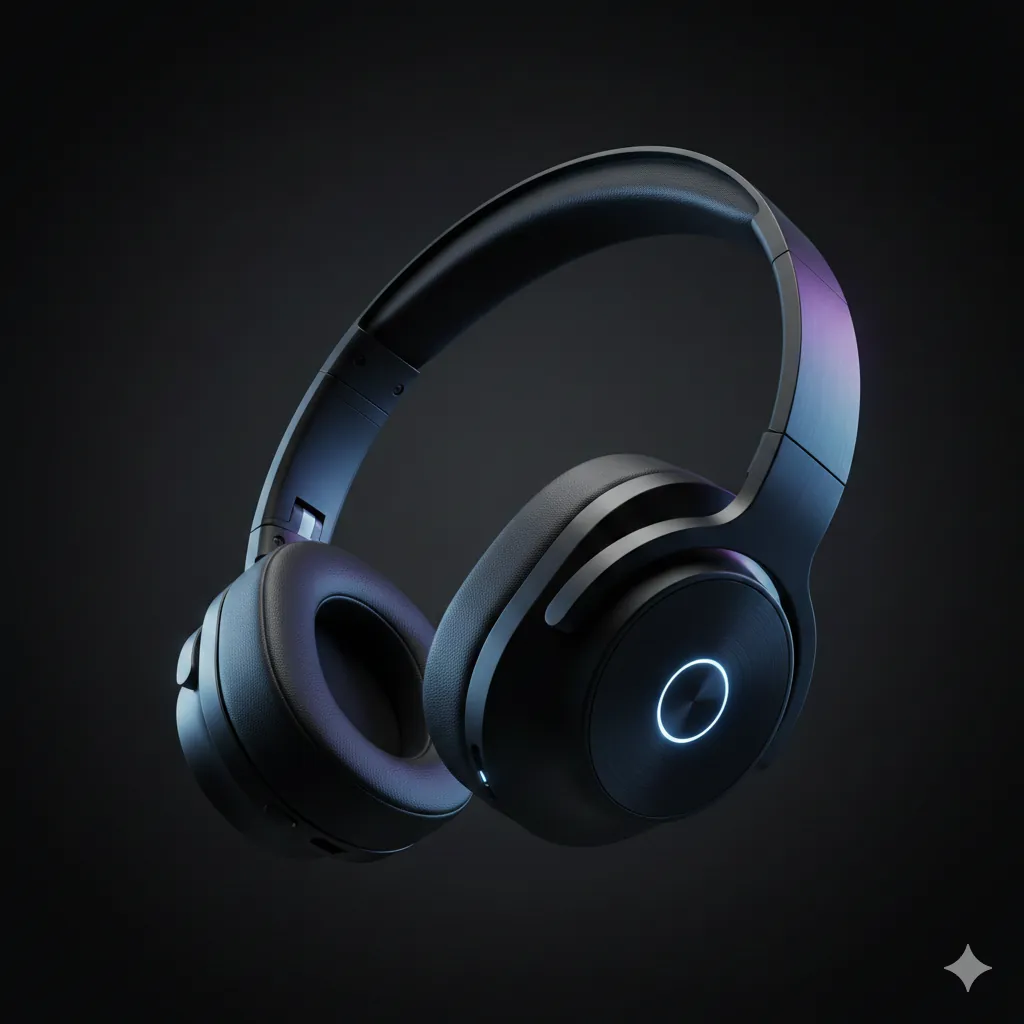
Product photography is expensive. Nano Banana allows you to generate "Hero Shots" that look like they were taken in a high-end studio, perfect for your Shopify store, Amazon listing, or pitch deck.
Understanding Product Photography
The difference between a snapshot and a product photo is Lighting and Isolation. You want the product to be the undisputed star. This means controlling reflections, shadows, and background distractions.
HERO PRODUCT SHOT
Here's the complete, fully detailed prompt to generate a high-end "HERO PRODUCT SHOT":
Create a high-end studio product shot. Subject: - **Product**: Sleek black wireless headphones - **Material**: Matte plastic with soft leather ear cups - **Details**: Brushed aluminum accents, LED indicator light Studio Setup: - **Lighting**: Cinematic rim lighting (blue and purple gels) - **Background**: Dark moody gradient (charcoal to black) - **Composition**: Floating in mid-air (anti-gravity) - **Angle**: 45-degree dynamic angle Vibe: - **Style**: Tech, premium, futuristic, high-fidelity - **Quality**: 8k resolution, sharp focus, macro details
Why This Works
The "Rim Lighting": "Rim lighting" (or backlighting) separates the dark product from the dark background. It creates a glowing outline that defines the shape. Adding "blue and purple gels" gives it that modern "tech" feel.
The "Floating" Composition: Suspended products look dynamic and weightless. It removes the problem of "grounding" the object and allows for dramatic shadows or reflections below.
The Material Definition: Specifying "matte plastic" vs. "leather" vs. "aluminum" is crucial. The AI renders light differently on each surface. Matte absorbs light; aluminum reflects it.
Common Mistakes
Note:
Brand Logos: As always, AI struggles with specific text logos. It's often better to generate the product "clean" (no logo) and add your logo in Photoshop later for perfect branding.
The Organic Flat Lay
For wellness and natural products.
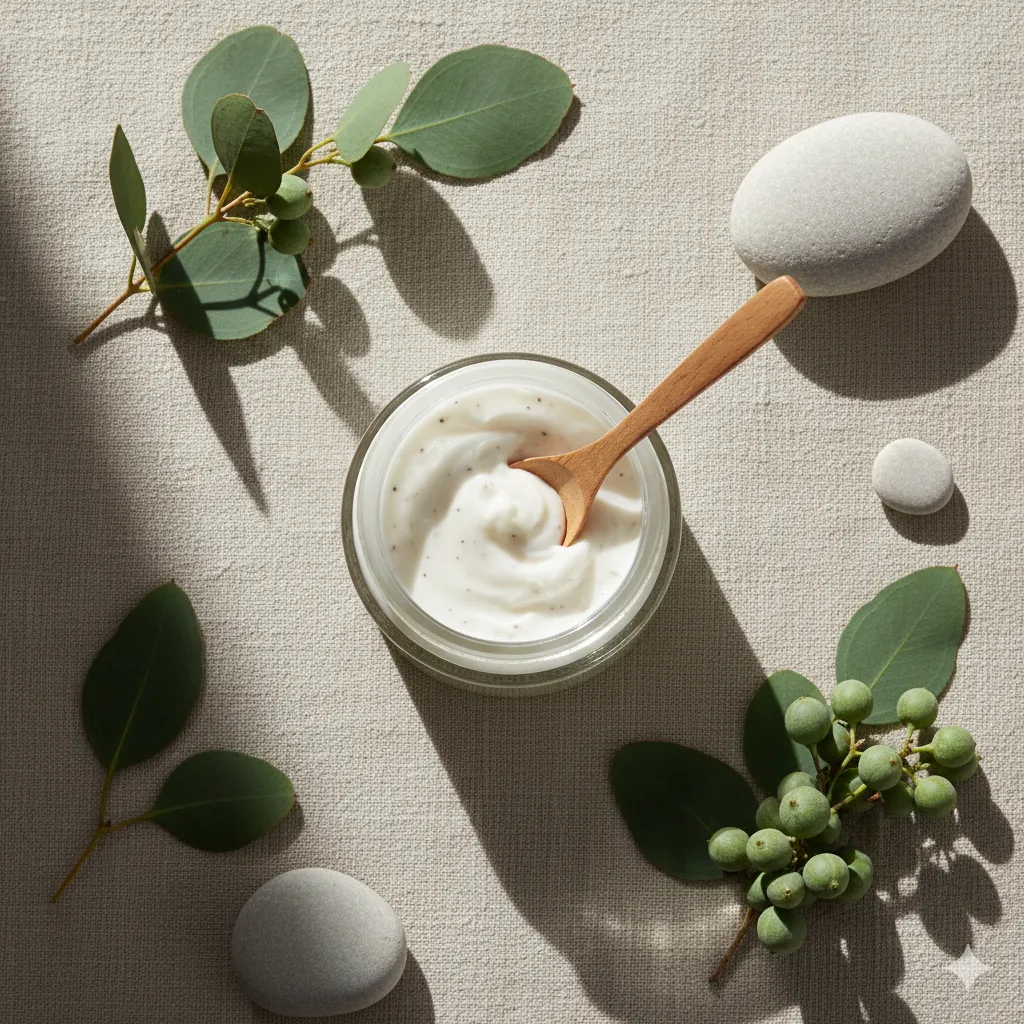
Create a top-down flat lay photography. - **Product**: Jar of organic face cream - **Props**: Fresh eucalyptus leaves, smooth river stones, wooden spoon - **Background**: Textured beige linen cloth - **Lighting**: Soft, diffused natural window light - **Shadows**: Soft, dappled shadows (leaf patterns) - **Vibe**: Spa, organic, calm, sustainable
What Changed: We moved from "studio lighting" to "natural window light" and added "organic props" to sell the natural ingredients.
The Lifestyle Context
Showing the product in use.
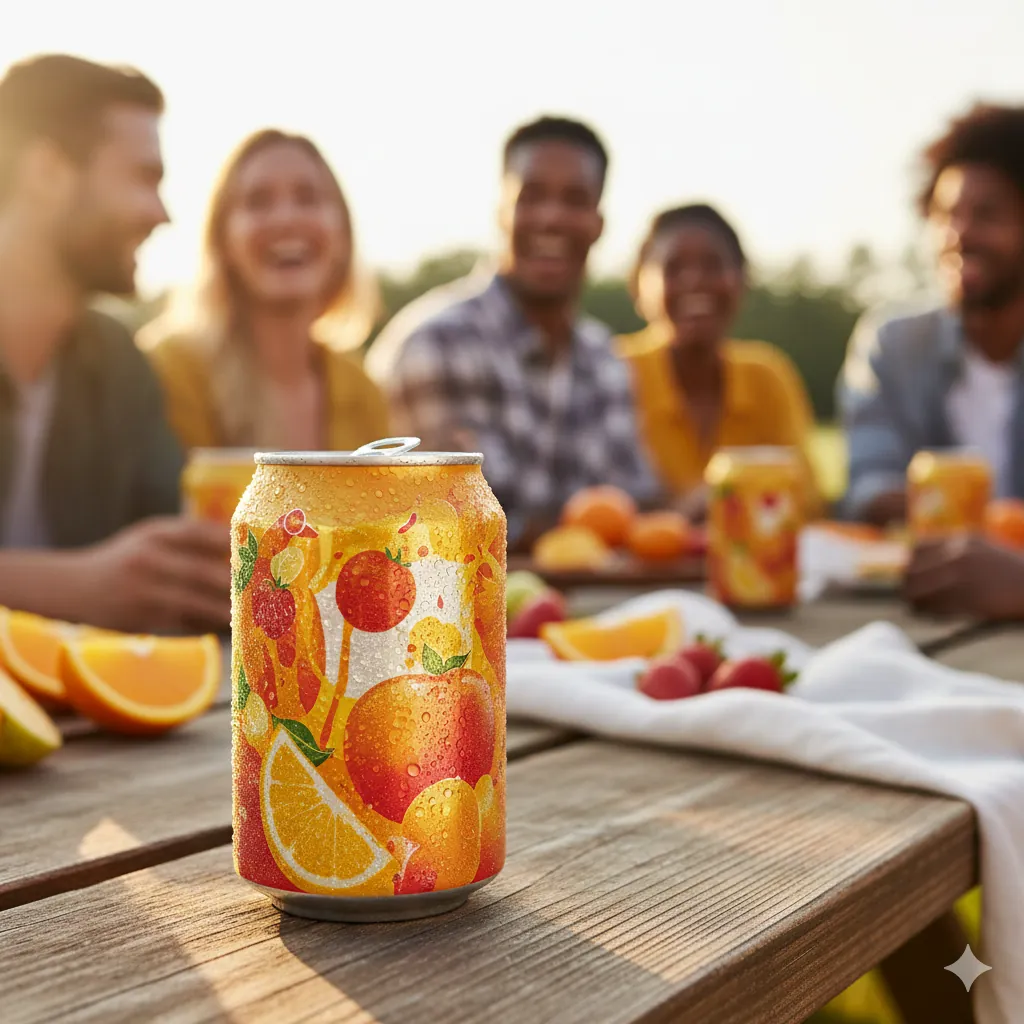
Create a summer lifestyle product shot. Product: - **Item**: Sparkling fruit soda can (vibrant colors, cold condensation droplets) - **Detail**: Frost layer with water beads catching sunlight - **Positioning**: Off-center on wooden picnic table (rule of thirds) Scene: - **Setting**: Sunny park with wooden picnic table in focus - **Background**: Softly blurred people laughing and enjoying themselves (bokeh) - **Depth of Field**: Shallow (product sharp, background blurred) - **Foreground**: Picnic elements (fresh fruit, napkins) slightly out of focus Lighting: - **Direction**: Golden hour sunlight from left, creating highlights on can and droplets - **Quality**: Bright, high contrast with natural shadows - **Gloss**: Shiny can reflects light and environment - **Lens**: 50-85mm focal length for natural compression Mood: - **Vibe**: Refreshing, joyful, social, summer adventure - **Emotion**: Happiness, celebration, connection - **Style**: Documentary lifestyle, vibrant, aspirational
The Feature Highlight Shot
Close-up of key product features for e-commerce.
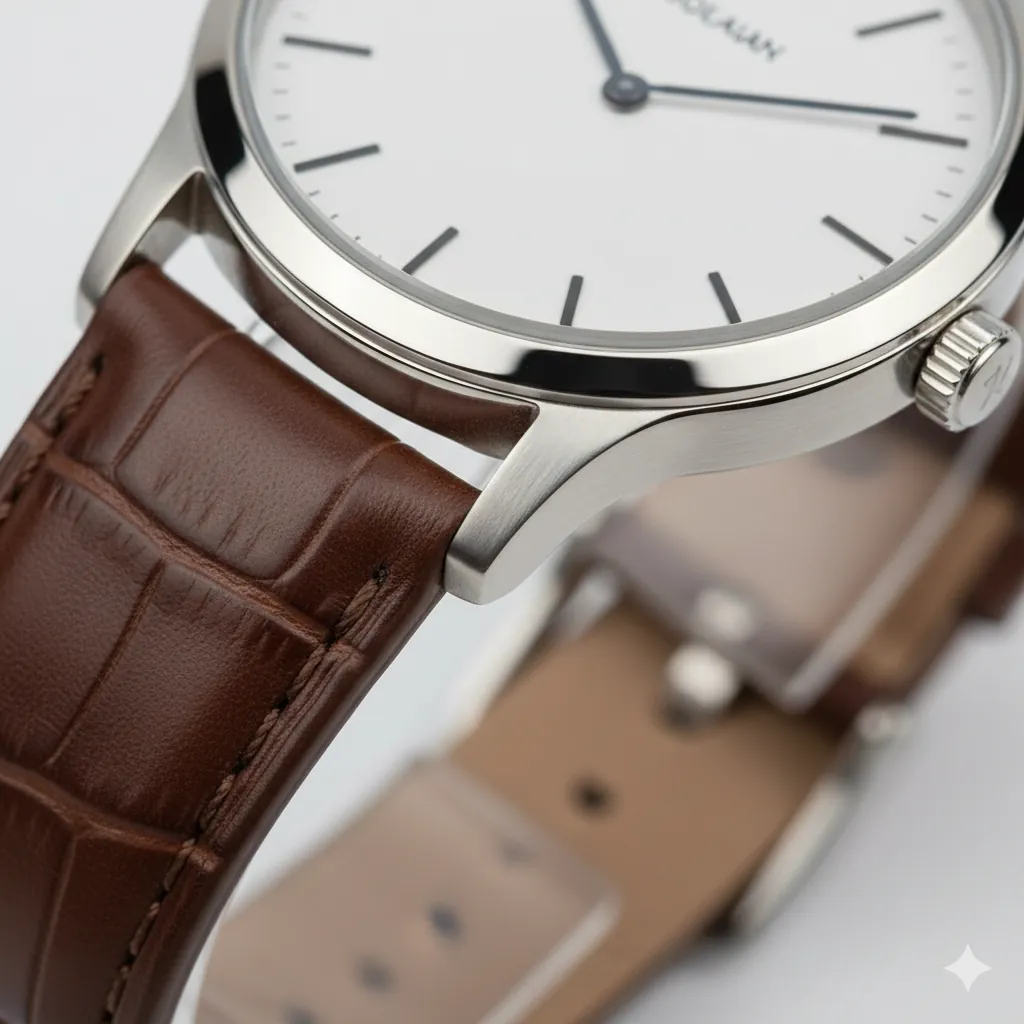
Create a product feature highlight shot. Product: - **Item**: Luxury minimalist watch with leather strap - **Focus**: Watch face and band connection detail - **Positioning**: Slightly angled (35-degree angle) Composition: - **Primary Subject**: Watch dial and stitching on band (sharp, in focus) - **Secondary Elements**: Slight blur of band beyond stitching (depth) - **Framing**: Close enough to show craftsmanship, wide enough for context Lighting: - **Direction**: Soft directional light emphasizing texture - **Quality**: Shadowless studio setup (3-point lighting) - **Highlights**: Catch light on watch glass and metal lugs - **Contrast**: Medium contrast, no harsh shadows Details: - **Show**: Band stitching pattern, watch bezel detail, face typography - **Texture**: Leather grain, metal brushing, glass reflection - **Accuracy**: True color representation, crisp details Mood: - **Vibe**: Refined, professional, trustworthy, premium quality - **Purpose**: Showcase craftsmanship and material quality for buyers - **Style**: Clean product photography, e-commerce ready
The Group Collection Shot
Show your full product line.
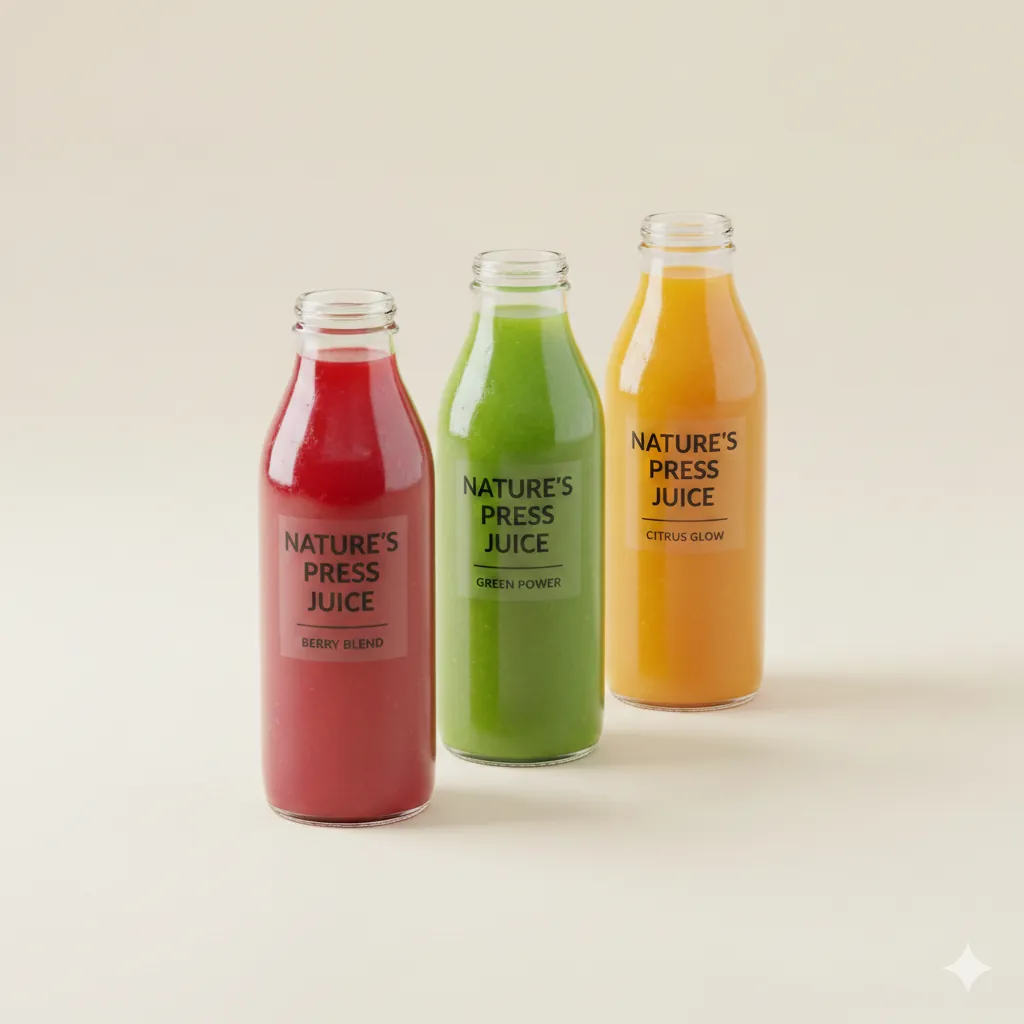
Create a product family group shot. Products: - **Items**: 3 bottles of juice (Red, Green, Orange) - **Arrangement**: Staggered diagonal, aligned at bottle tops Composition: - **Spacing**: Equal distance between bottles - **Depth**: All equally sharp and in focus - **Framing**: Full products visible, centered in frame Lighting & Background: - **Lighting**: Bright, even studio light showing product details and labels clearly - **Shadows**: Minimal, soft contact shadows only for grounding - **Background**: Soft, complementary color (light cream or pale neutral) to make bottles pop - **Color Accuracy**: True product colors with no cast - **Style**: Modern product showcase, vibrant but clean
Troubleshooting
Next Steps
- Materials & Textures: Deep dive into surface rendering.
- Mockups: Add your packaging design to these shots.
Related Articles & Guides
 #nano-banana
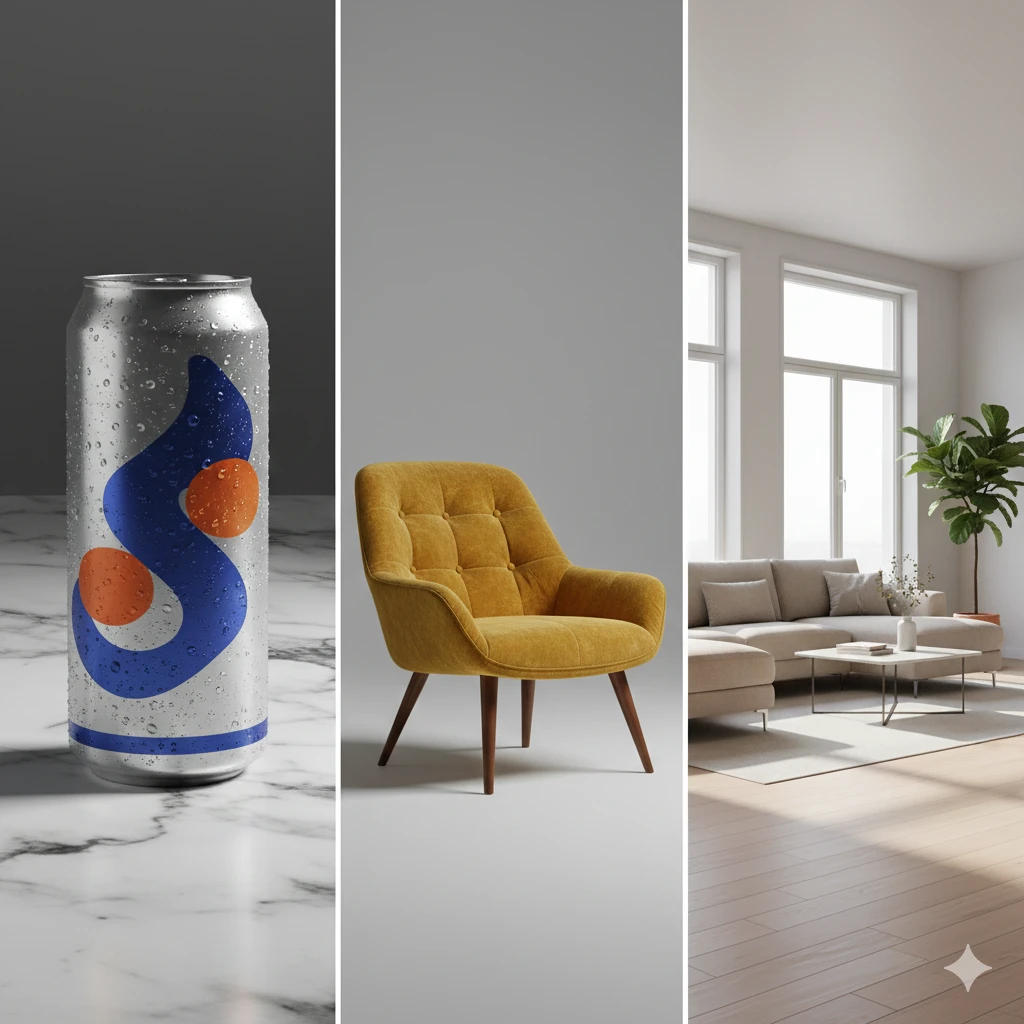
Product Visualization with Nano Banana: Design & Rendering
Visualize interior designs, product mockups, and prototypes with Nano Banana. Create professional product photography and design renderings with AI.
 #nano-banana
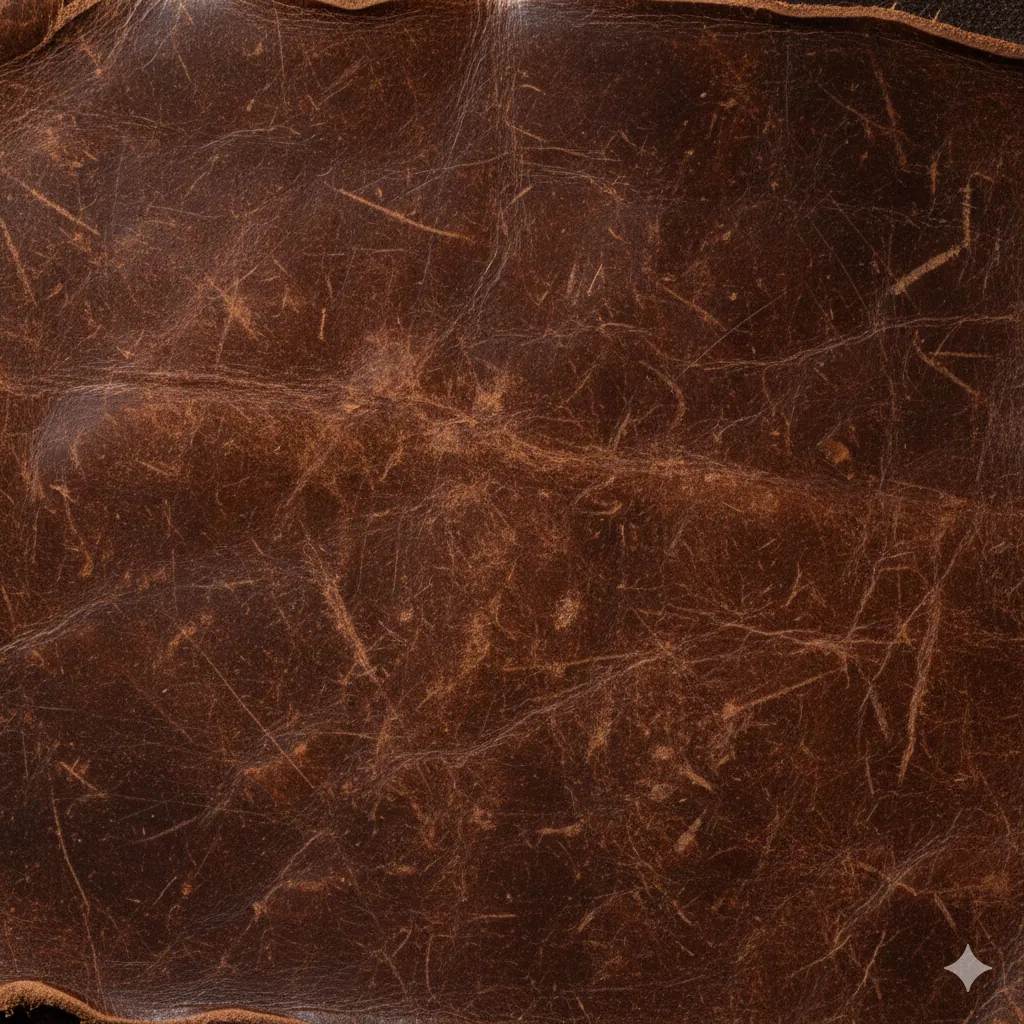
Materials & Textures Prompts: Surface Design
Generate realistic material swatches and texture close-ups with Nano Banana. Perfect for 3D artists and graphic designers.
 #nano-banana
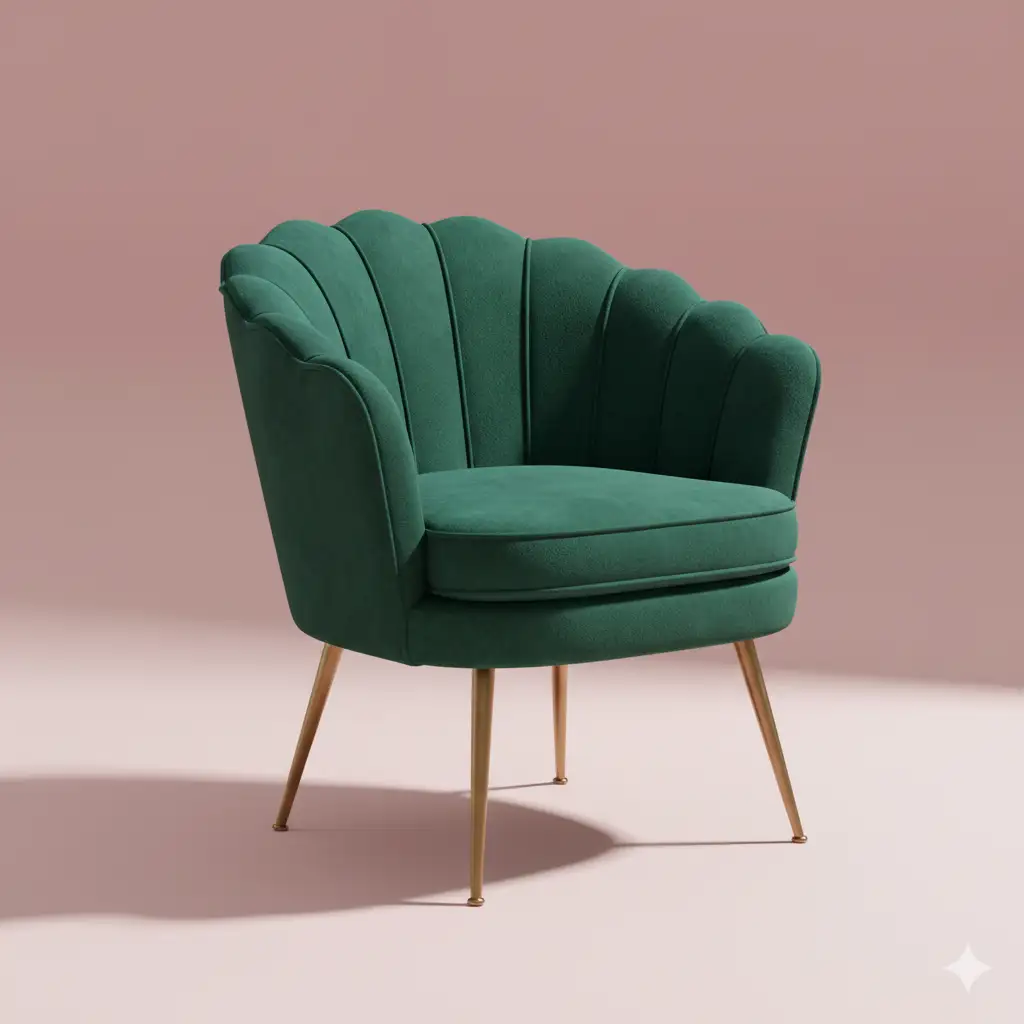
Furniture & Decor Prompts: Custom Design
Design custom furniture pieces and home decor items with Nano Banana. Visualize unique concepts for manufacturing or inspiration.