Mastering Digital Art in Midjourney: Prompts, Styles, and Techniques
Unlock your creative potential with Midjourney! Learn to craft stunning digital artwork using advanced prompts, exploring various artistic styles, design elements, and technical parameters for breathtaking results.
Introduction
Digital art in Midjourney offers limitless possibilities, from hyper-realistic concept art to stylized vector illustrations. This guide explores the techniques, styles, and parameters that will help you master the digital medium.
Core Digital Art Categories
Concept Art
Vector Illustration
3D Rendering
Pixel Art
Key Parameters for Digital Art
Fine-tune your digital creations with these essential parameters.
Digital Art Parameters
Prompt Templates
Use these structures to build effective prompts for different digital styles.
Universal Digital Art Template
[Subject] [Art Style] [Environment/Background]:
- Style: [Specific Technique/Artist Reference]
- Lighting: [Lighting Setup]
- Color: [Palette]
- Composition: [Camera Angle/Framing]
--ar [Ratio] --v 6.0 --stylize [Value]
Concept Art Template
[Subject] concept art, digital painting:
- Atmosphere: [Mood/Weather]
- Detail: [Texture/Material focus]
- Engine: Unreal Engine 5 render / Octane Render
- Lighting: Volumetric lighting, cinematic lighting
--ar 16:9 --stylize 750
Detailed Style Examples
Note:
This section showcases key digital art styles with practical examples. Each style demonstrates specific techniques and parameter settings you can adapt for your own creations.
Modern Digital Painting
Focus on clean lines, vibrant colors, and dynamic composition.
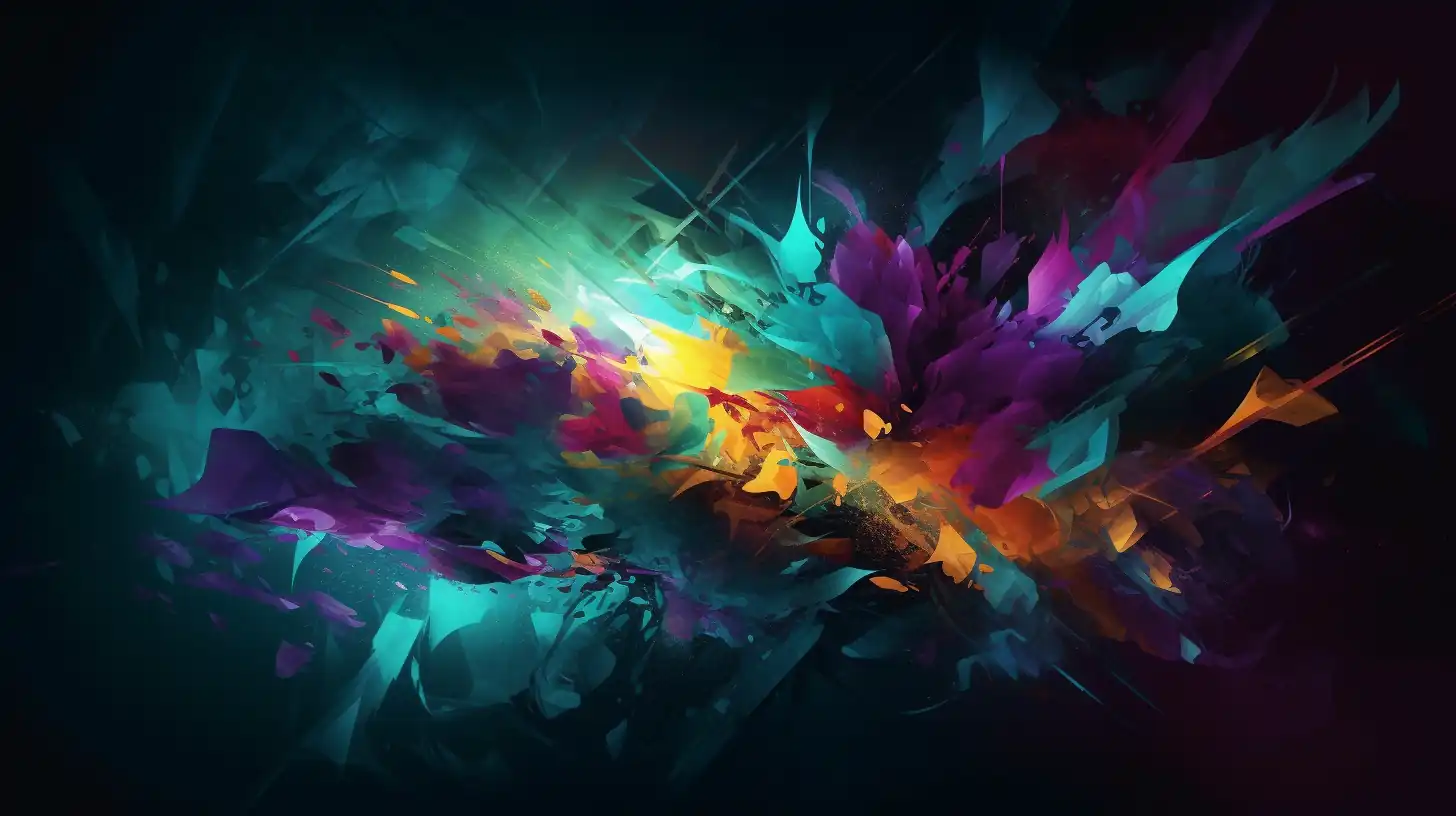
Digital painting in modern style: vibrant color gradients with teal and purple accents, sharp details with clean edges and precise linework, dynamic lighting with dramatic shadows and highlights, abstract geometric elements and organic shapes --ar 16:9 --stylize 750
Key Techniques:
- Use vibrant complementary colors (teal & purple, orange & blue)
- Layer geometric and organic elements for visual interest
- Apply
--stylize 750to emphasize artistic interpretation - Reference modern digital artists (digital painter names) for consistent style
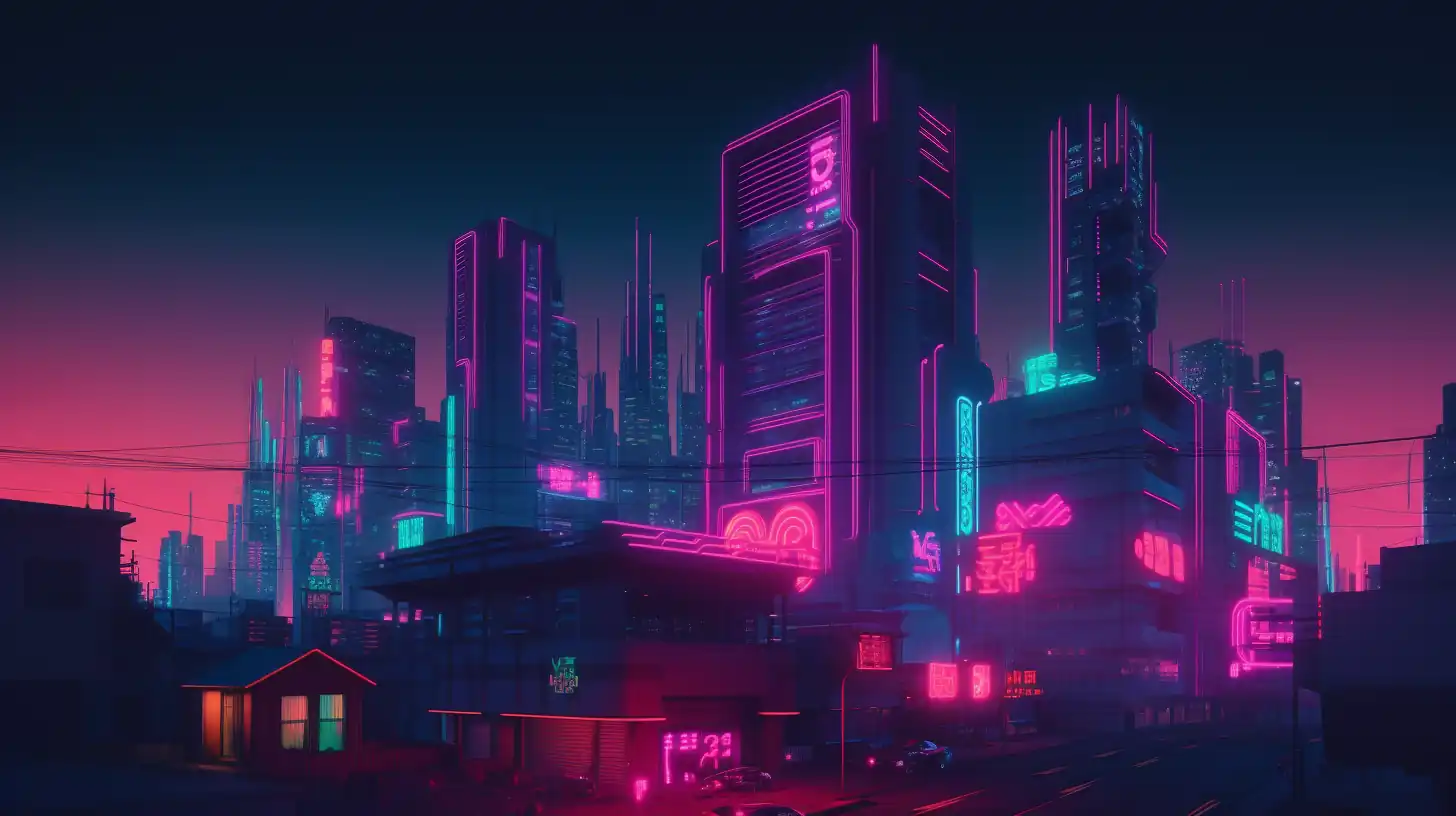
Cyberpunk Aesthetics
Create futuristic, neon-soaked visuals with high-tech elements.
Cyberpunk digital artwork: neon color scheme, holographic effects, tech elements, glitch effects, futuristic atmosphere, urban night setting --ar 16:9 --v 6.0
Key Techniques:
- Emphasize neon color palettes (bright blues, pinks, magentas)
- Include tech elements (holograms, screens, circuitry)
- Add atmospheric depth with volumetric lighting
- Layer glitch and distortion effects for authenticity
Isometric 3D Design
Perfect for game environments and architectural visualizations.
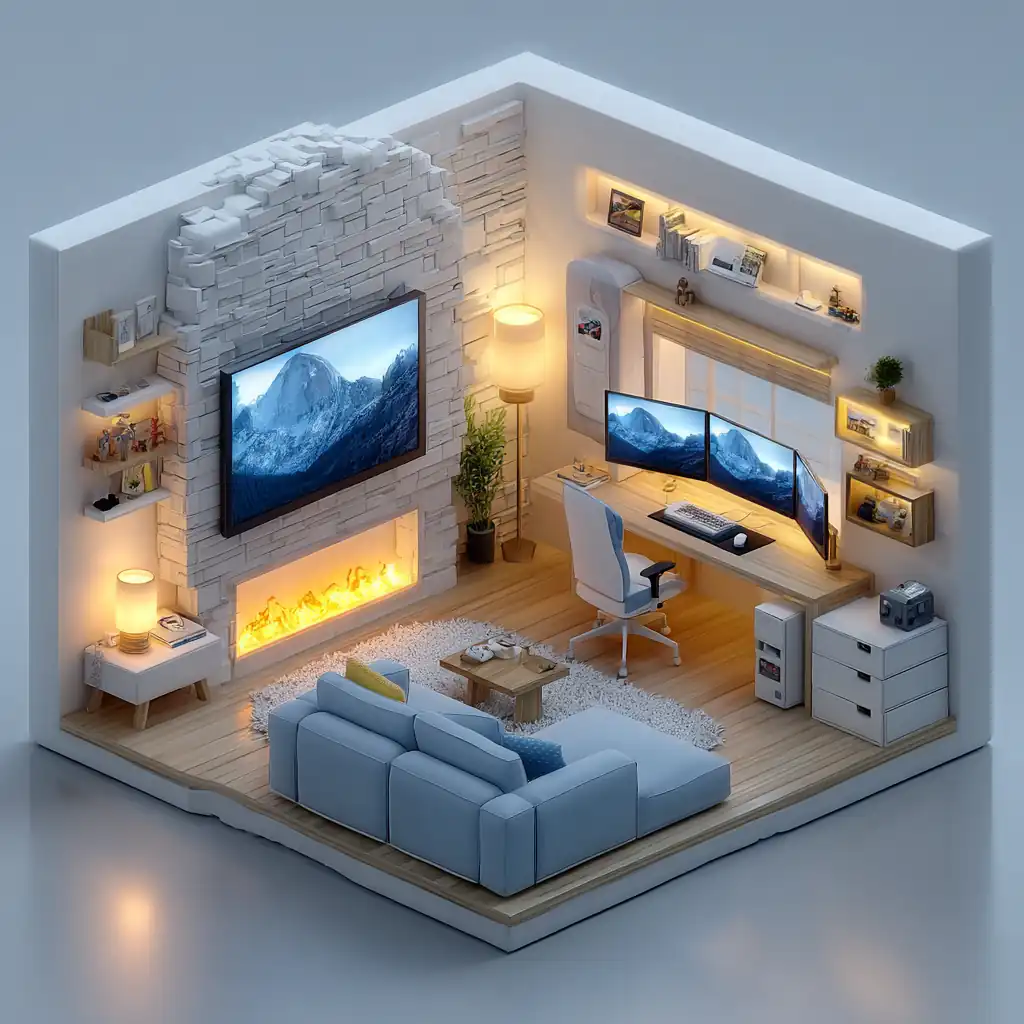
Isometric 3D rendering of a cozy gaming room: low-poly style with soft pastel lighting, orthographic isometric view, detailed textures on furniture and electronics, warm ambient glow, Blender 3D quality, minimalist color palette with warm yellows and soft blues --ar 1:1 --stylize 400
Key Techniques:
- Use isometric perspective (fixed 30-60 degree angles)
- Keep polygon count low for clean, geometric look
- Soft, even lighting (avoid harsh shadows)
- Limit color palette to 5-7 colors for cohesive design
- Perfect for UX, game design, and architectural concepts
Minimalist Vector Art
Clean, scalable designs for modern applications.
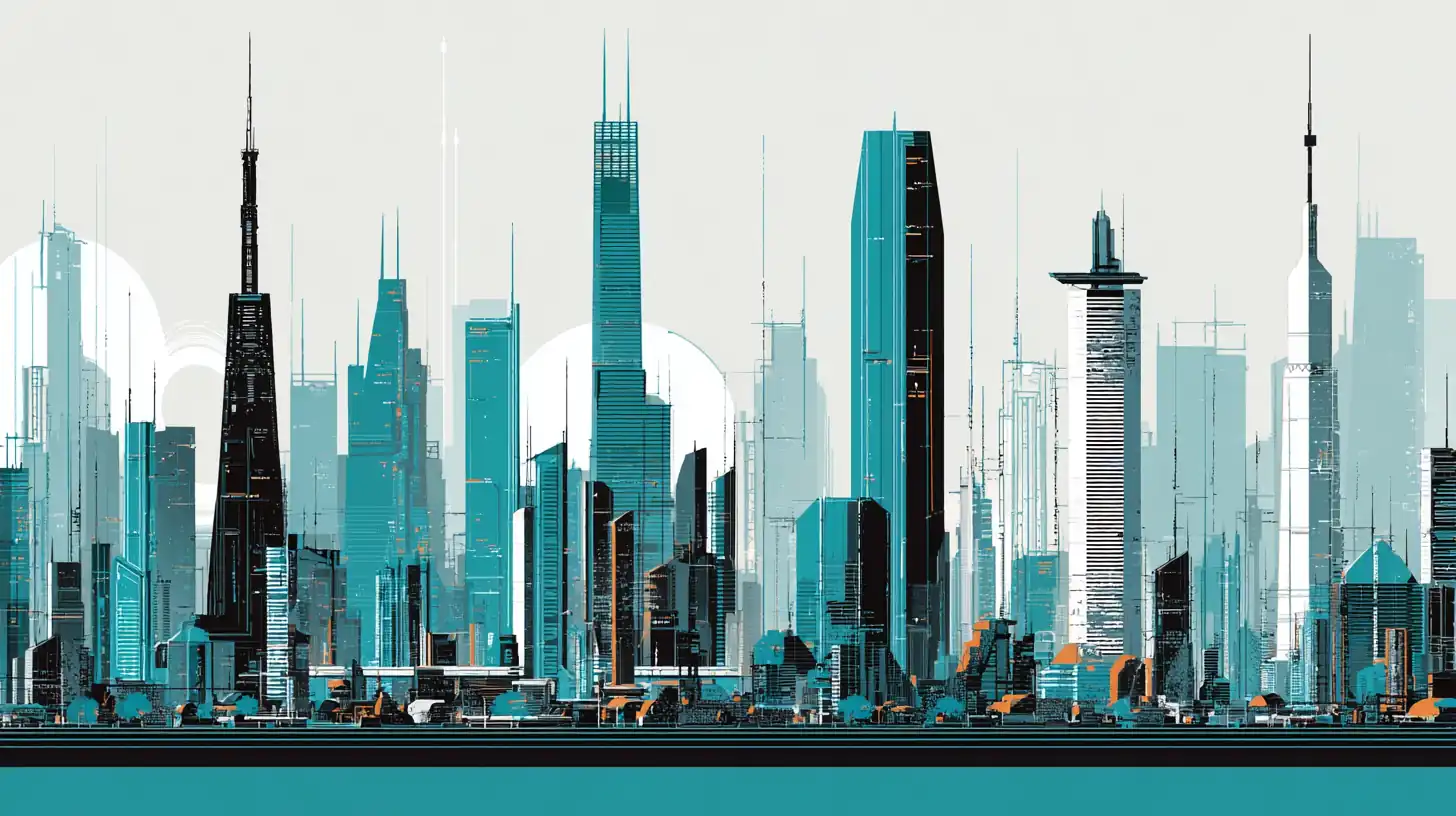
Minimalist vector illustration of a futuristic city skyline: clean geometric shapes, negative space, limited color palette with teal, black, and white, flat design aesthetic, perfect line work, symmetrical composition, icon-like quality --ar 16:9 --stylize 200 --no gradients, textures, shading
Key Techniques:
- Use
--stylize 200-400for cleaner, more controlled output - Add
--no gradients, shading, 3d effectsfor true flat design - Limit to 2-3 core colors plus black/white
- Emphasize negative space and balance
- Reference iconic design studios (Pentagram, Apple Design) for inspiration
Advanced Techniques
Multi-Prompting for Control
Use :: to separate concepts and control their influence.
space station::2 digital painting::1 red and white color scheme::0.5
This emphasizes the 'space station' concept twice as much as the 'digital painting' style.
not supported in v7
Texture Blending
Combine distinct textures for unique digital effects.
portrait of a cyborg, double exposure of circuit boards and human skin, digital art --stylize 500
Comprehensive Prompt Examples
Glitch Art & Digital Distortion
Create experimental digital art with intentional corruption and artifacts.
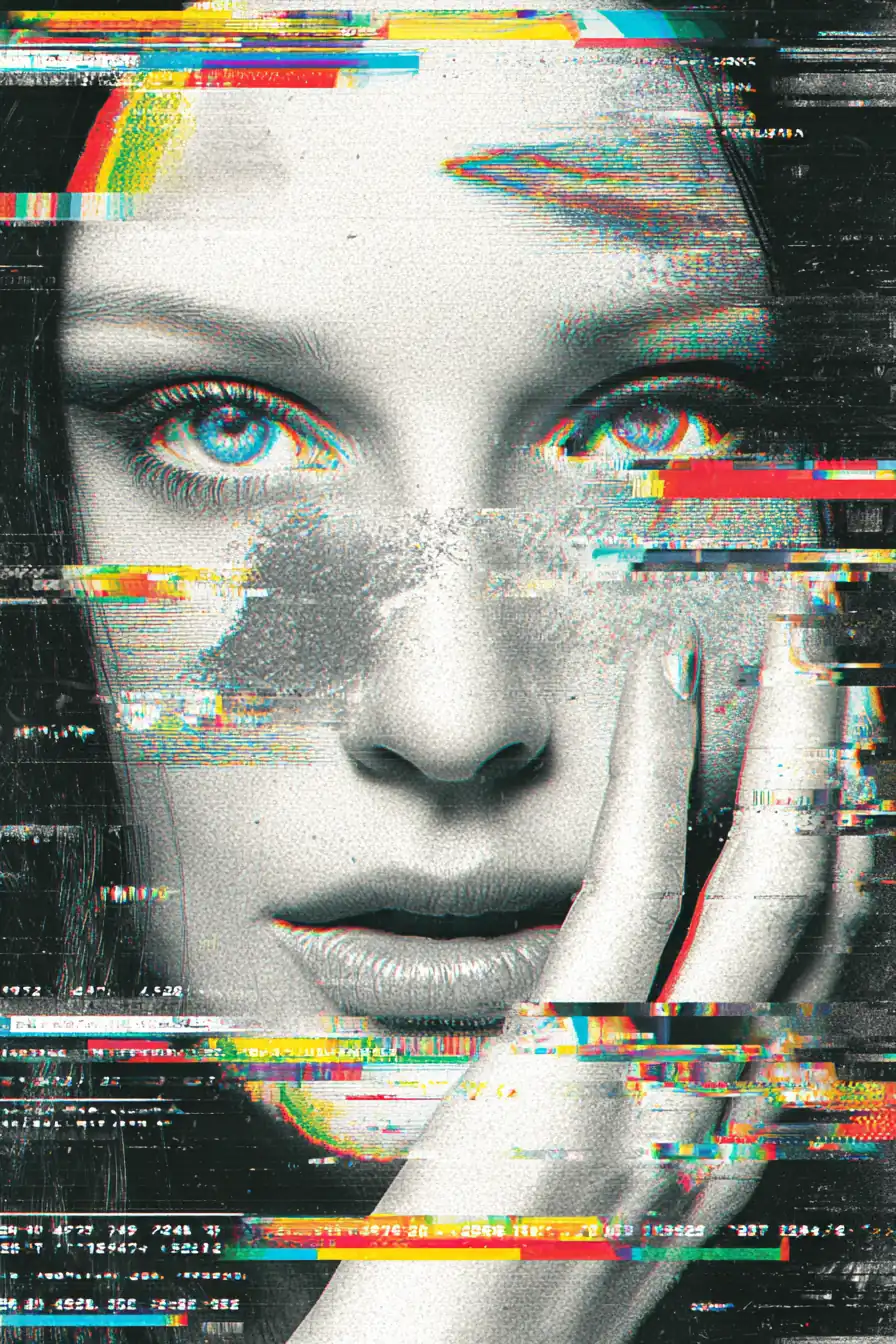
Glitch art portrait of a woman: digital corruption effects with RGB split and chromatic aberration, pixel sorting and data moshing with scanline artifacts, neon color palette with cyan magenta yellow accents, VHS tape distortion and analog noise, cyberpunk aesthetic with holographic overlays --ar 2:3 --stylize 600 --weird 50
Variations:
Abstract Glitch Composition:
Abstract glitch composition:
- Fragmented geometric shapes with displacement mapping
- Digital noise, compression artifacts, bit crushing
- High contrast with deep blacks and vibrant neons
- Databending effects, corrupted file aesthetics
- Futuristic tech interface elements
--ar 16:9 --chaos 40 --stylize 700
Pro Tips for Glitch Art:
- Use
--weird 300-800to enhance unpredictability - Add
--chaos 30-50for varied generation results - Combine color inversion with neon palettes for maximum impact
- Reference VHS, corrupted media, and digital art for authenticity
Low-Poly 3D Art
Geometric, faceted 3D designs with a minimalist aesthetic.
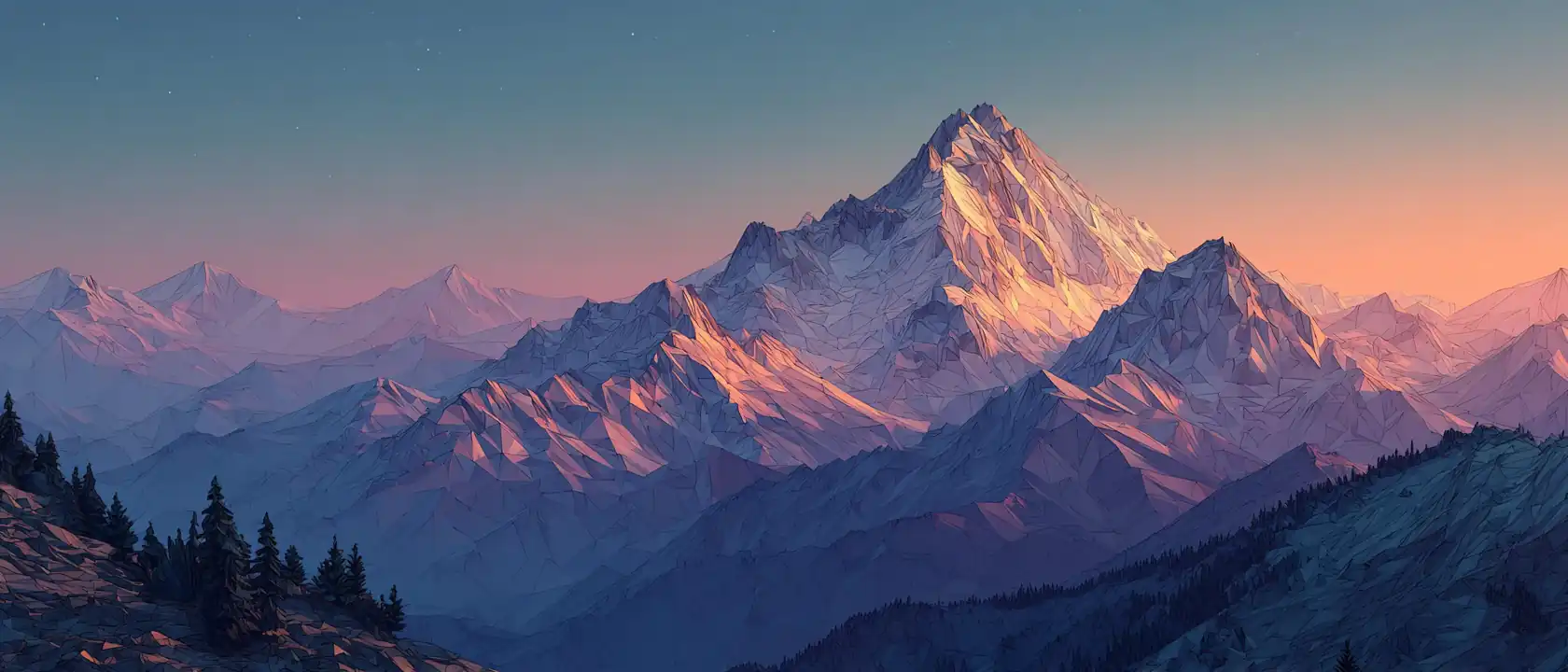
Low-poly mountain landscape at sunset: faceted geometric terrain with sharp angles, gradient sky from orange to purple, minimal polygon count with clean edges, flat shading without texture maps, isometric perspective view, Blender 3D style rendering, soft ambient lighting --ar 21:9 --stylize 400
Alternative: Character Design
Low-poly character design, fantasy warrior:
- Angular geometric forms, faceted armor
- Limited color palette, flat colors
- Stylized proportions, heroic pose
- Simple lighting with ambient occlusion
- Game-ready asset aesthetic
--ar 4:5 --stylize 500
Low-Poly Best Practices:
- Keep color palette to 3-5 distinct colors
- Use
--stylize 300-500for geometric clarity - Specify "low-poly", "geometric", "faceted" for consistency
- Reference 3D engines (Blender, C4D, Unity) for technical accuracy
Matte Painting & Environment Concept Art
Cinematic environments for film and game production. Perfect for concept artists and production designers.
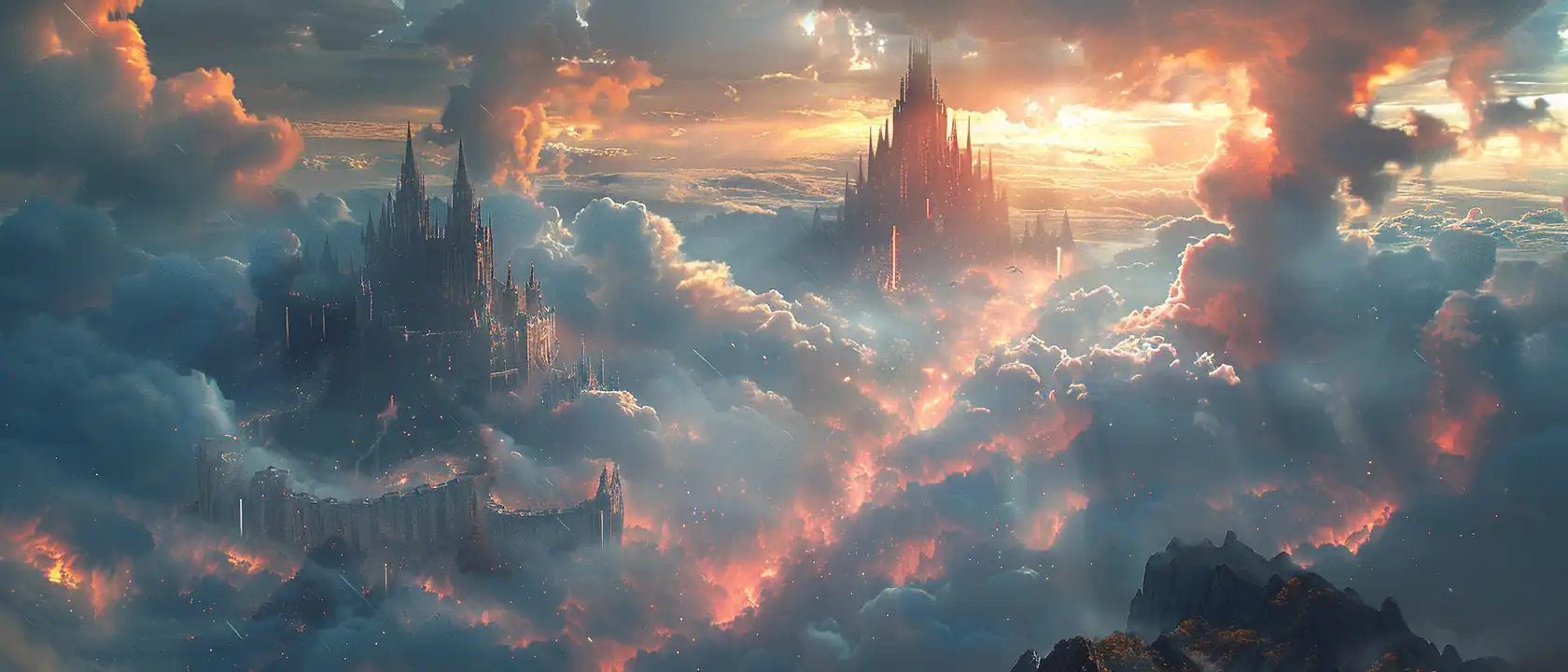
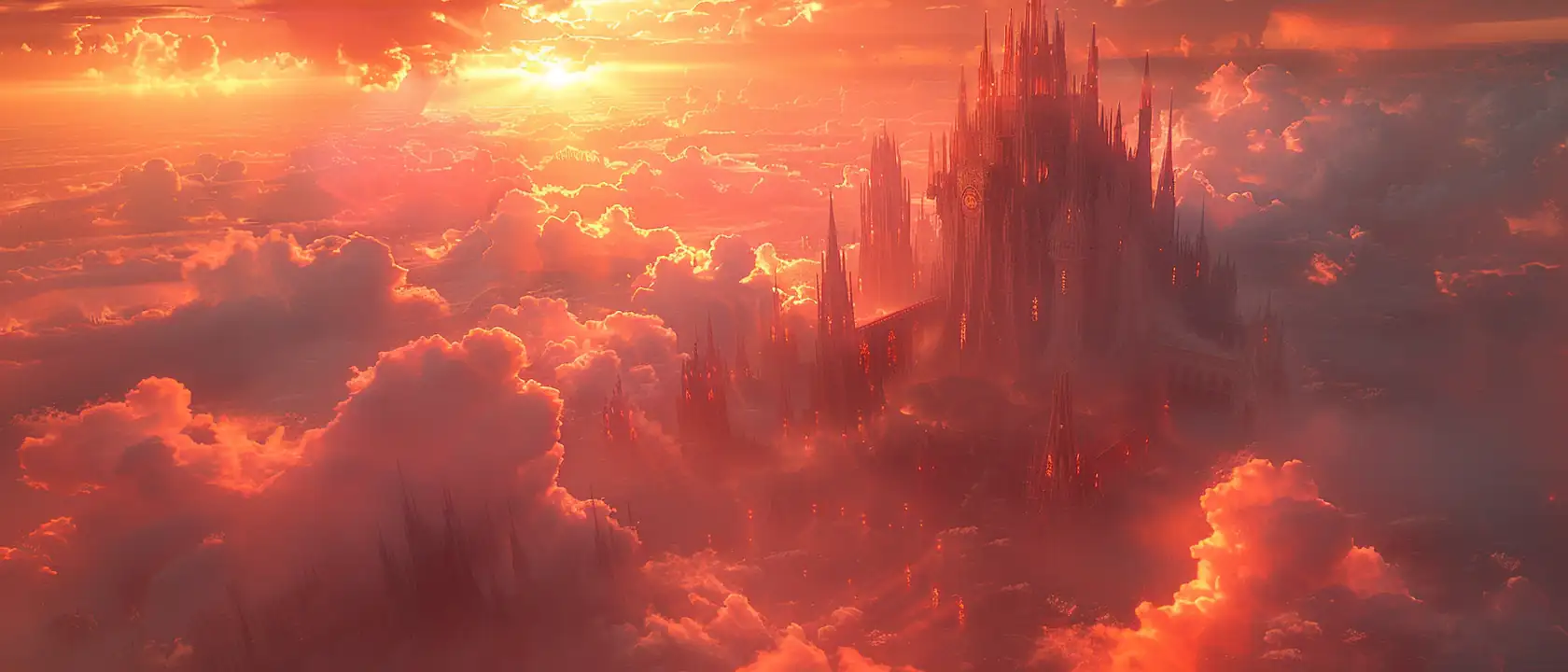
Epic fantasy castle matte painting: towering spires against dramatic sky, atmospheric perspective with misty layers, volumetric lighting and god rays through clouds, photorealistic textures with painterly details, cinematic composition following rule of thirds, Unreal Engine 5 quality octane render, rich color grading and moody atmosphere --ar 21:9 --stylize 750 --q 2
Alternative: Sci-Fi Cityscape
Sci-fi cityscape concept art, cyberpunk metropolis:
- Towering megastructures, neon advertisements
- Flying vehicles, holographic billboards
- Rain-slicked streets with reflections
- Atmospheric haze, volumetric fog
- Blade Runner aesthetic, night scene
- Detailed architecture with industrial elements
- Cinematic lighting, dramatic shadows
--ar 16:9 --stylize 800 --q 2
Pro Tips:
- Use
--q 2for environments—higher quality improves detail - Add specific engine references (Unreal, Octane) for photorealism
- Layer atmospheric effects (fog, particles, lighting) for depth
- Use ultra-wide ratios (21:9) to emphasize scale and environment
UI/UX Design & Interface Art
Modern digital interfaces and app designs for production-ready mockups.
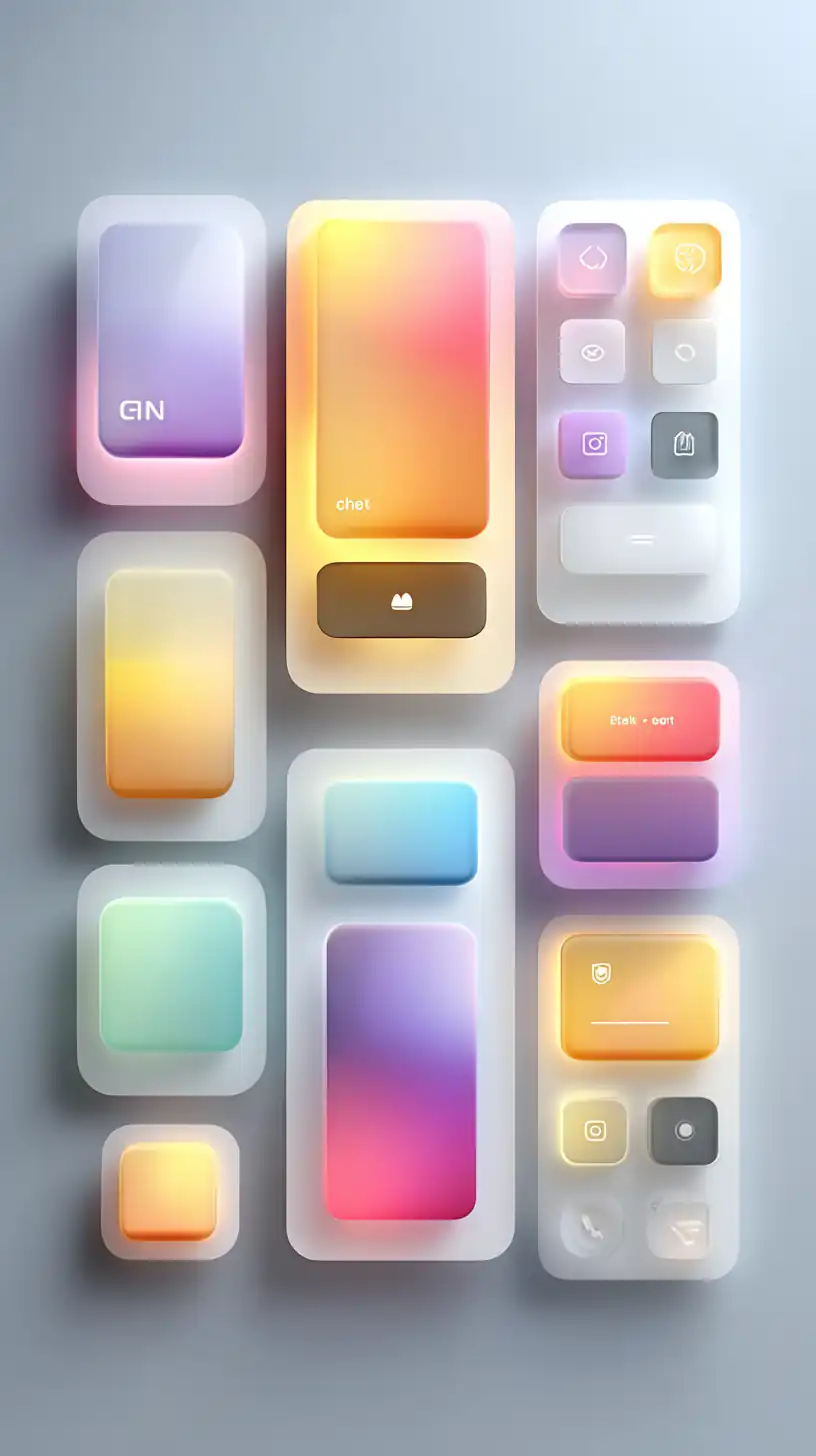
Futuristic mobile app UI design: clean glassmorphism interface elements with gradient backgrounds and soft shadows, minimalist icons with clear modern typography, dark mode aesthetic with vibrant accent colors, smooth animations implied in layout, high-fidelity mockup with professional quality, centered composition on light background --ar 9:16 --stylize 300 --no 3d, skew, distortion
Alternative: Sci-Fi HUD Interface
Sci-fi HUD interface design:
- Holographic display elements, transparent panels
- Technical readouts, data visualization
- Neon blue and cyan color scheme
- Geometric shapes, angular design language
- Futuristic typography, tech aesthetic
- High detail, production-ready quality
--ar 16:9 --stylize 500
UI Design Best Practices:
- Use low
--stylize 200-400for clean, controlled interfaces - Add
--no distortion, skew, 3d effectsfor precision - Reference design systems (Material Design, iOS HIG)
- Use 9:16 for mobile, 16:9 for web/desktop displays
Character Concept Art
Professional character designs for games and animation. Ideal for visual development and asset creation.
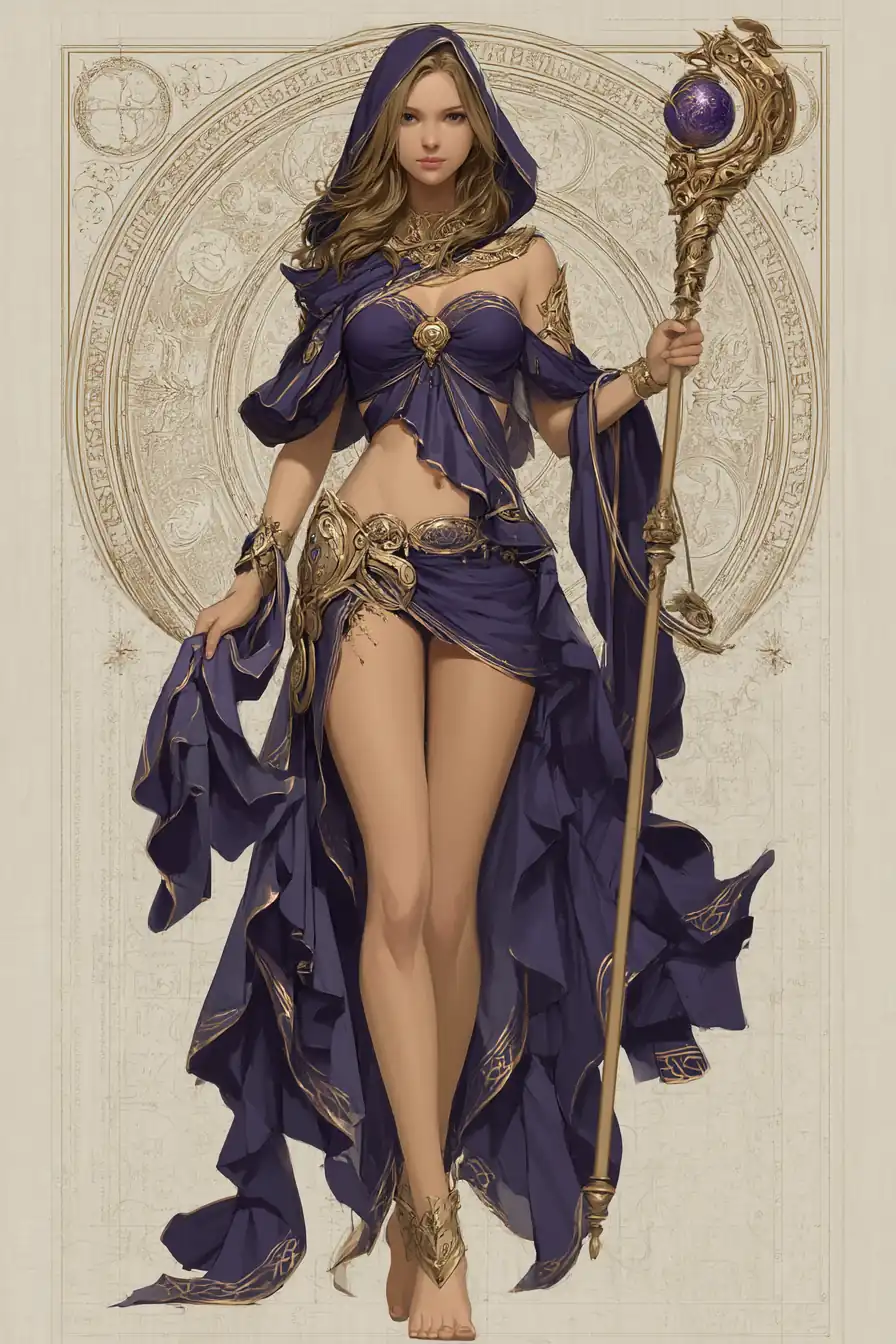
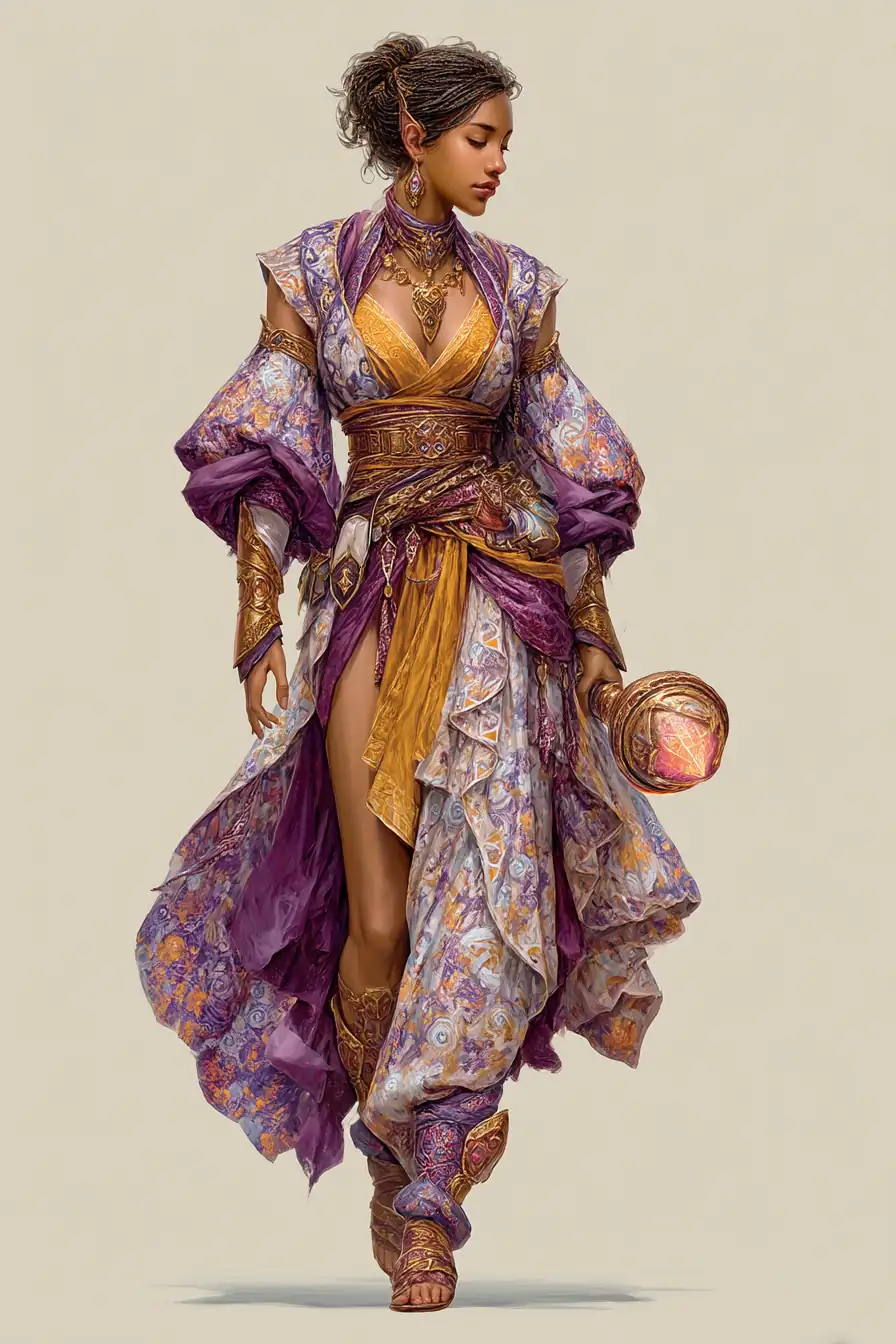
Fantasy character concept art, elven mage: full body character sheet with dynamic confident pose, detailed costume design with flowing magical robes and layered fabric, enchanted staff with glowing arcane runes, rich jewel tone color palette with purples and golds, professional concept art quality with clean linework and painted details, white background for clarity --ar 2:3 --stylize 700 --q 2
Alternative: Cyberpunk Character
Cyberpunk character design, street samurai:
- Tactical gear with neon accents
- Augmented limbs, cybernetic enhancements
- Weathered materials, worn textures
- Dynamic action pose, katana drawn
- Moody lighting, rim light highlights
- Gritty urban aesthetic
- High detail, game-ready concept
--ar 4:5 --stylize 750 --q 2
Character Art Guidelines:
- Use 2:3 ratio for character sheets (taller format)
- Always include
--q 2for detailed character features - Specify clothing, gear, and materials explicitly
- Use
--stylize 700+for artistic, stylized characters - White backgrounds ensure character stands out from environment
Product & Object Design
Digital product visualization for e-commerce, marketing, and industrial design presentations.
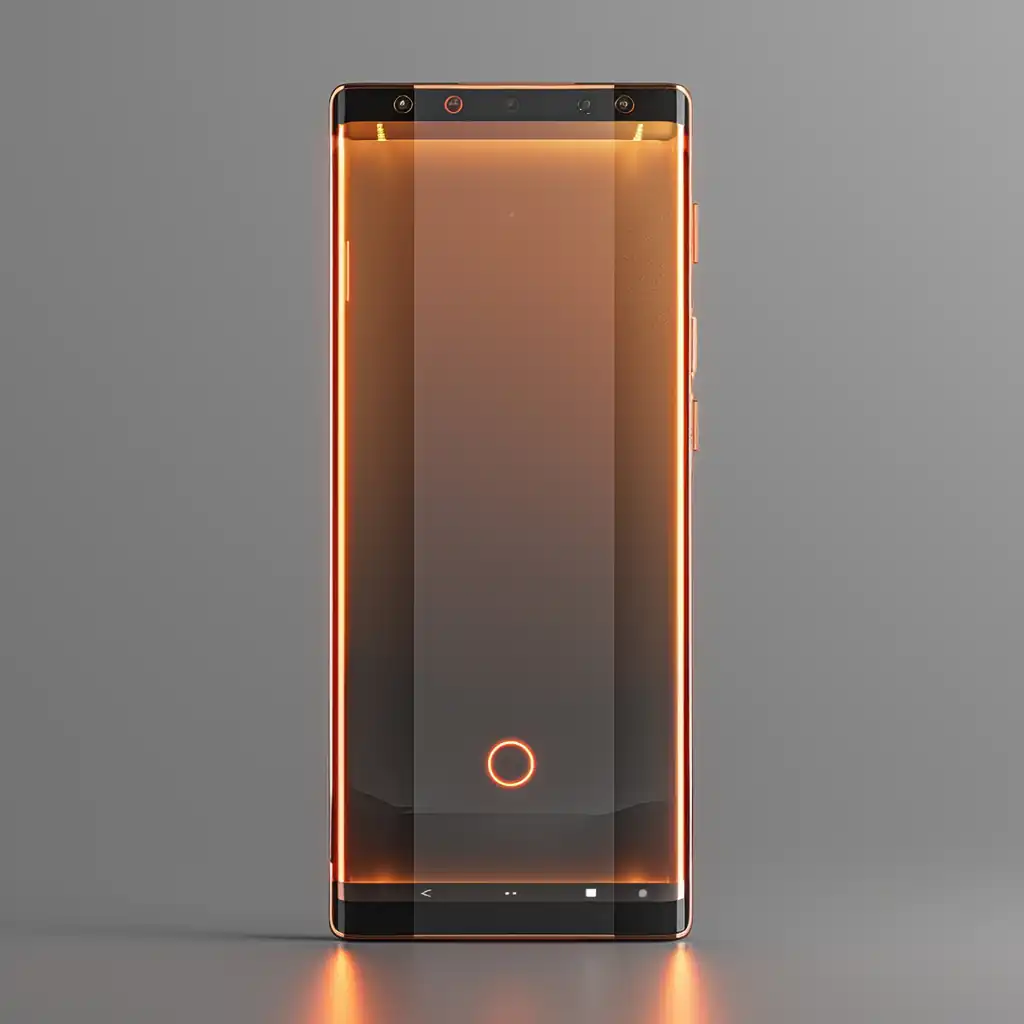
Luxury product design visualization: high-end electronic device on reflective white surface, dramatic key lighting with soft rim highlights, metallic and glass materials with realistic reflections, minimalist composition, professional product photography style, studio lighting, clean white background --ar 1:1 --stylize 500 --q 2
Alternative: Architectural Object
Conceptual architectural object design:
- Futuristic sculptural form with clean lines
- Rendered in white matte material
- Dramatic studio lighting with shadows
- Perspective view showing scale and detail
- Professional render quality, ArtStation style
--ar 4:5 --stylize 600 --q 2
Surrealism & Dream Imagery
Non-literal, dreamlike compositions blending impossible elements and symbolic imagery.
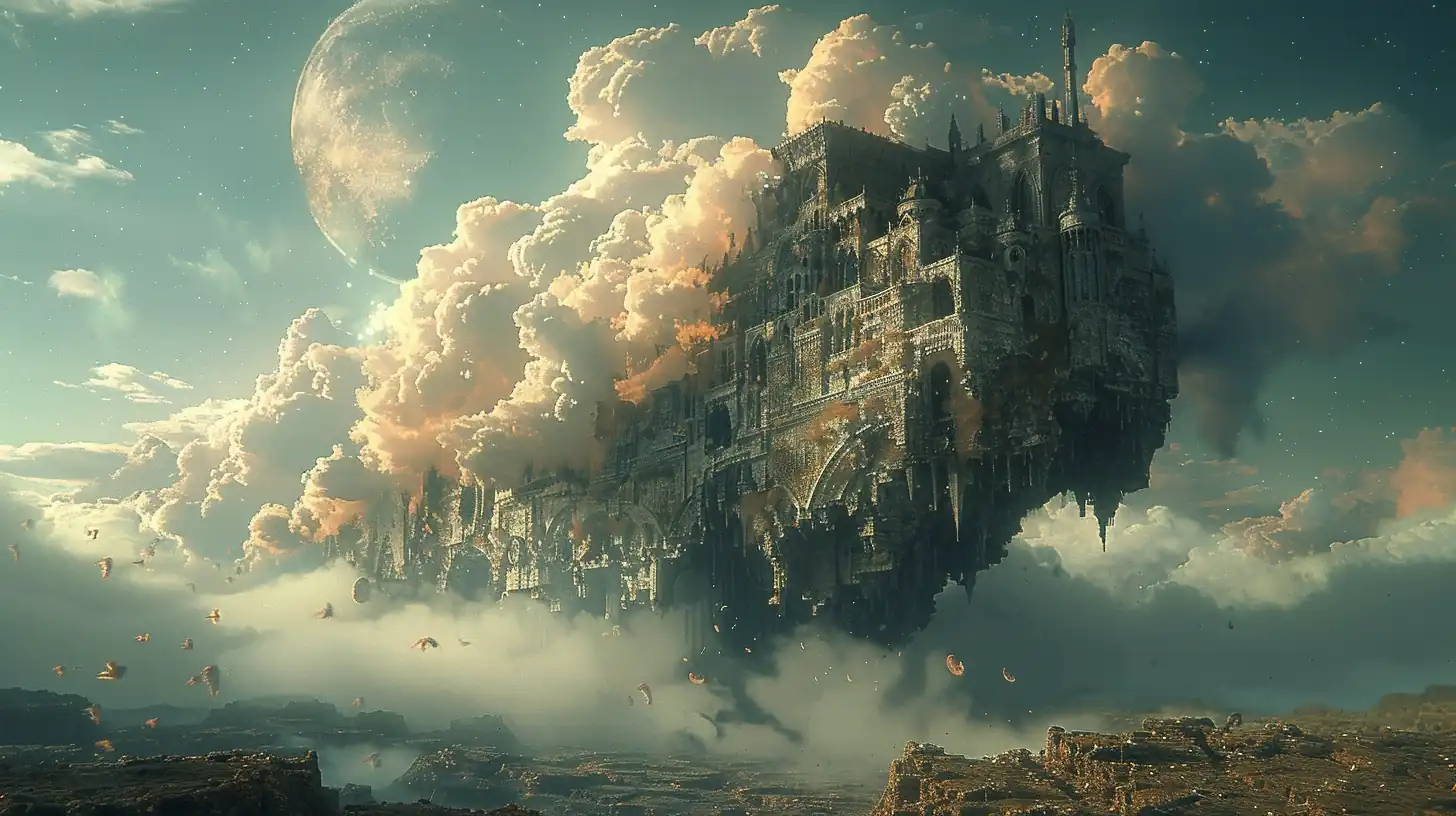
Surreal dream imagery: floating objects defying gravity, impossible architecture with shifting perspectives, symbolic elements and ethereal atmosphere, soft dreamlike lighting with pastel color palette, blended landscapes and objects, deep psychological mood, highly detailed and intricate --ar 16:9 --stylize 850 --q 2
Alternative: Psychological Surrealism
Psychological surrealism artwork:
- Distorted familiar objects in unusual contexts
- Deep symbolism and metaphorical imagery
- Rich color palette with emotional mood
- Complex layering of concepts and forms
- Fine art painting quality, museum exhibition
--ar 3:4 --stylize 900 --q 2
Tips for Better Digital Art Prompts
Specify the Rendering Engine
Reference specific 3D software or rendering engines for precise results:
Popular Rendering Engines & Tools
Layer Your Descriptions
Build prompts from general to specific for consistency:
1. MEDIUM/STYLE     → "Digital painting", "3D render", "vector illustration"
2. SUBJECT          → Clearly describe the main focus
3. TECHNICAL DETAILS → Lighting: dramatic/soft, Colors: palette, Composition: framing
4. QUALITY MARKERS  → "Professional", "high detail", "studio quality", "concept art"
5. PARAMETERS       → --ar [ratio] --stylize [value] --q [quality]
Pro Tip:
The most effective prompts combine specific subject descriptions with clear technical details (lighting, colors, composition) plus parameter choices. Start with the basics and refine based on results.
Use Negative Prompts Strategically
Exclude unwanted elements with --no to increase consistency:
minimalist vector logo --no gradients, shadows, 3d effects, textures, complex
Common Negative Prompt Patterns:
- For flat designs:
--no gradients, shadows, 3d, textures, blur - For realistic:
--no cartoon, painterly, sketchy, simple - For clean work:
--no blur, noise, distortion, artifacts, pixelation - For consistency:
--no text, watermark, logo, signature, date
Parameter Cheat Sheet
Stylize Values by Style
Note:
Always test with --stylize 600 as your baseline, then adjust up or down based on desired realism vs. artistic interpretation.
Conclusion
Mastering digital art in Midjourney is about understanding how style descriptors, technical parameters, and rendering engines work together. The key is:
- Be specific about your subject and desired outcome
- Layer your descriptions from general style to detailed technical specs
- Experiment with parameters (
--stylize,--weird,--chaos) to find your voice - Combine techniques (multi-prompting, texture blending, negative prompts) for advanced control
Start with the templates in this guide, iterate based on results, and build a library of prompts that work for your creative vision.
Next Steps:
- Explore Art Styles for broader artistic movements
- Check SREF Codes for consistent style references
- Visit Midjourney Prompting Guide for fundamental techniques
Related Articles & Guides
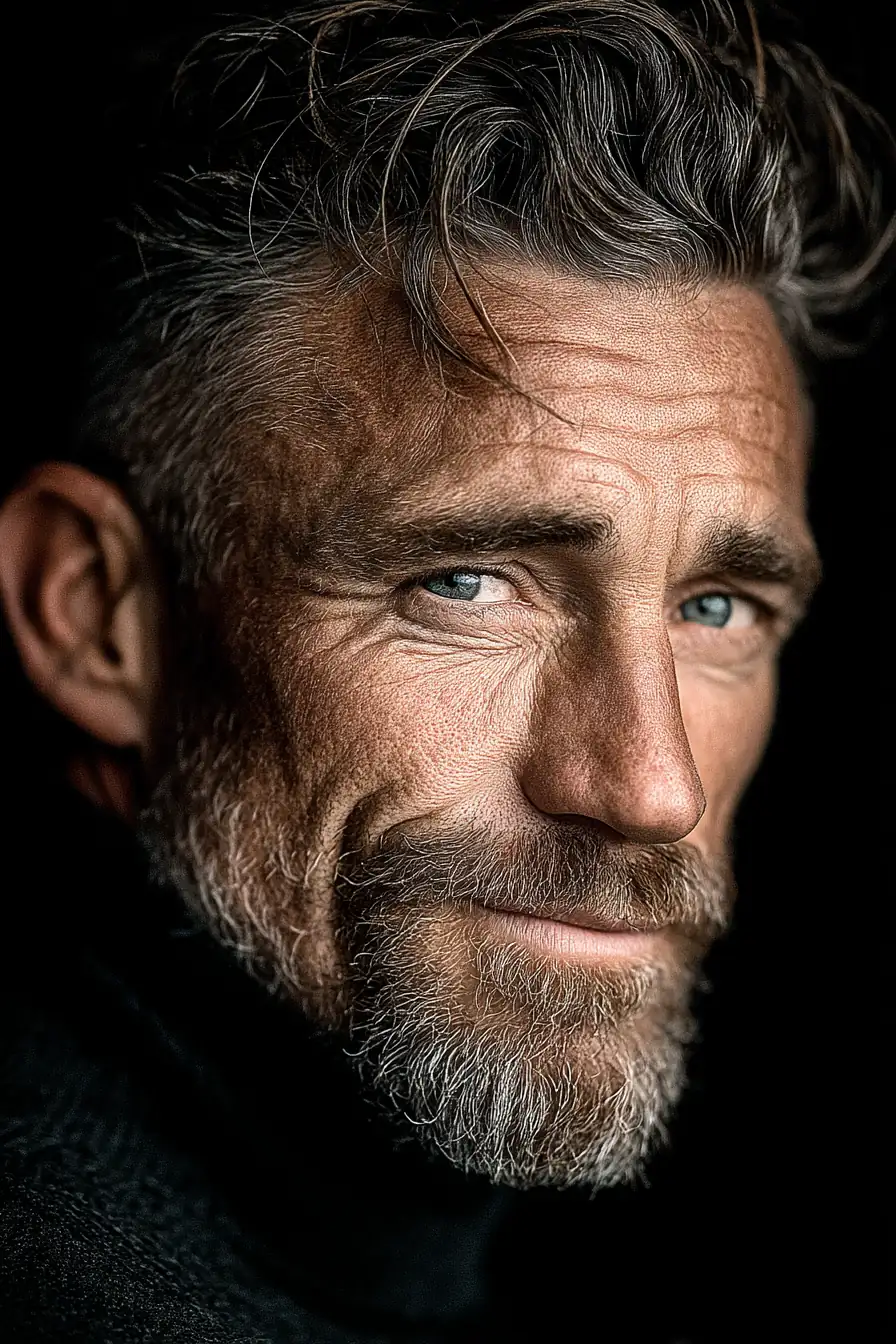 #Midjourney
Mastering Character Portraits in Midjourney: Techniques, Styles, and Prompts
Create stunning character portraits with Midjourney using advanced prompts, lighting techniques, and artistic parameters. Explore photorealistic, artistic, fantasy, and vintage portrait styles.
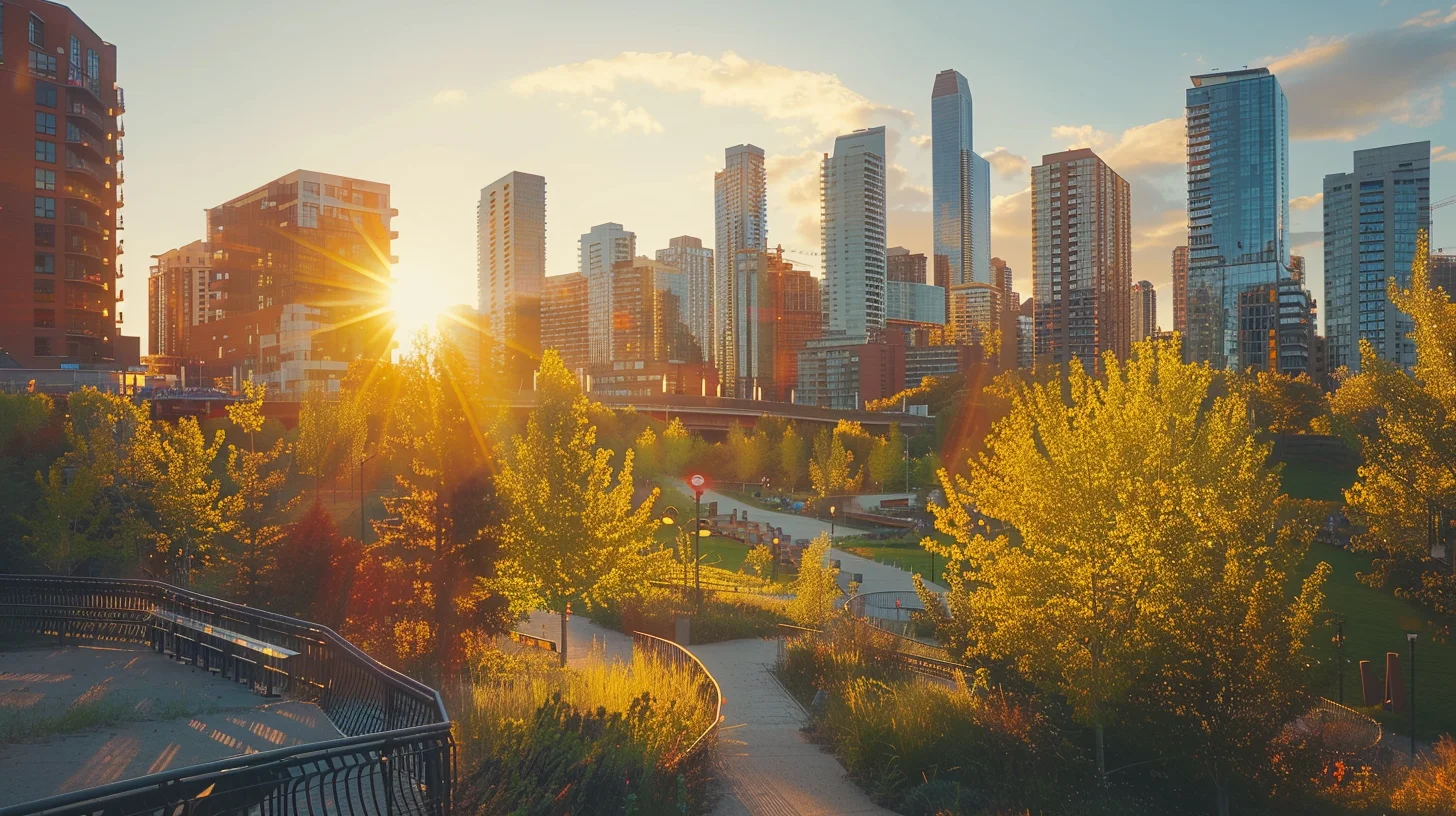 #Midjourney
Midjourney Cityscapes: Create Stunning Urban Environments with AI Prompts
Master the art of generating breathtaking cityscapes in Midjourney with our comprehensive guide. Learn architectural styles, urban planning, and atmospheric effects for stunning AI art.
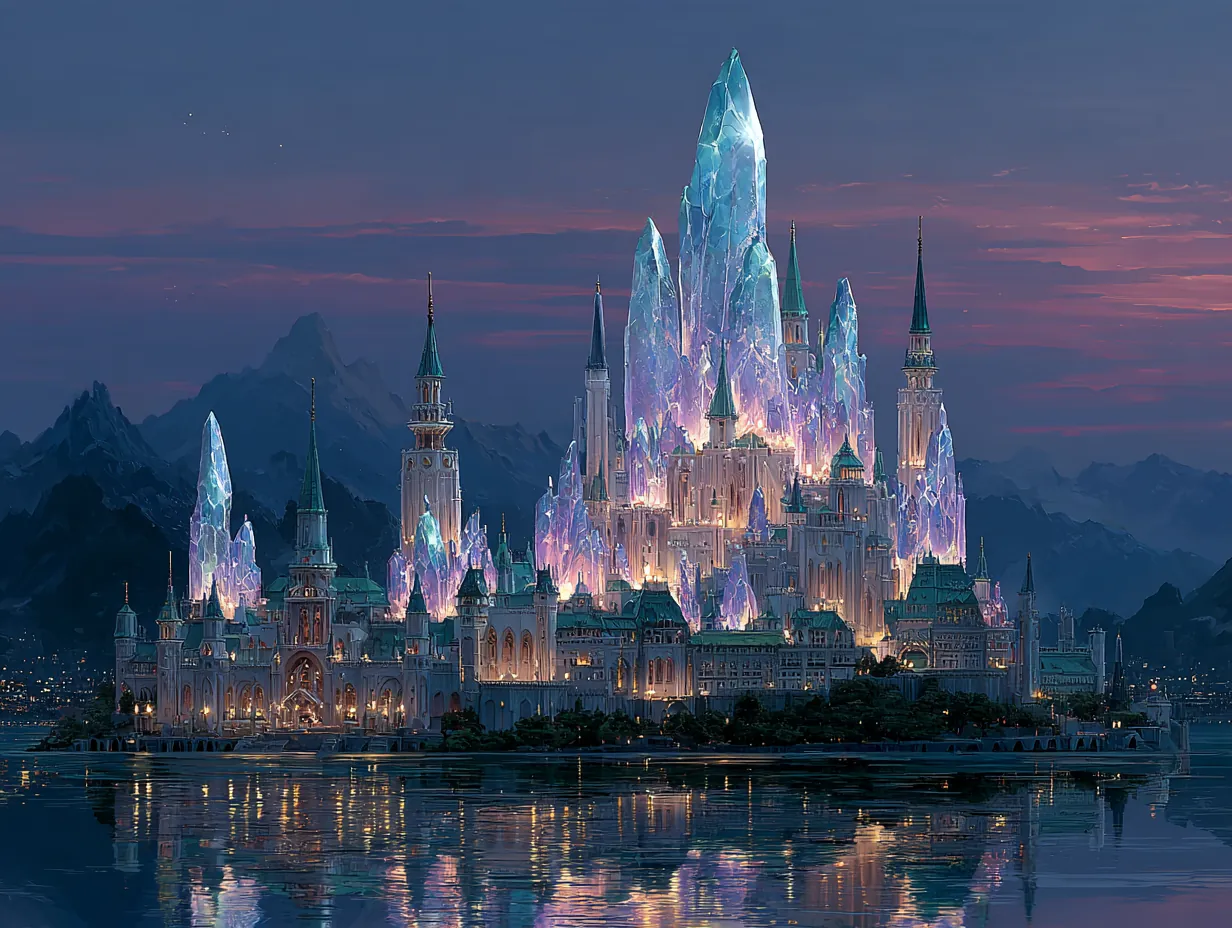 #Midjourney
Crafting Fantasy Worlds in Midjourney: Prompts & Techniques
Master Midjourney prompts to create enchanting fantasy environments, from magical realms to mythical landscapes. Explore techniques for world-building and atmospheric effects.