Mastering Pixel Art in Midjourney: Techniques, Styles, and Prompts
Create stunning pixel art with Midjourney using advanced prompts, retro aesthetics, and precise parameters. Explore 8-bit, 16-bit, isometric, and modern pixel art styles.
Introduction
Pixel art in Midjourney captures the nostalgic charm, precision, and creative constraints of classic digital art. This guide explores the techniques, parameters, and styles that help you create stunning pixel art with precise control over resolution, color palettes, and retro aesthetics.
Core Pixel Art Categories
8-bit Classic
16-bit Enhanced
Isometric Pixel
Modern Pixel Art
Key Parameters for Pixel Art
Fine-tune your pixel art creations with these essential parameters.
Pixel Art-Specific Parameters
Note:
The most compelling pixel art in Midjourney comes from balancing technical constraints with creative expression. Always specify the bit depth (8-bit, 16-bit) and color palette limitations for authentic results.
Detailed Style Examples
Note:
This section showcases key pixel art styles with practical examples. Each style demonstrates specific techniques and parameter settings you can adapt for your own creations.
8-bit Character Sprite
Classic low-resolution character design with limited colors and clear silhouettes.
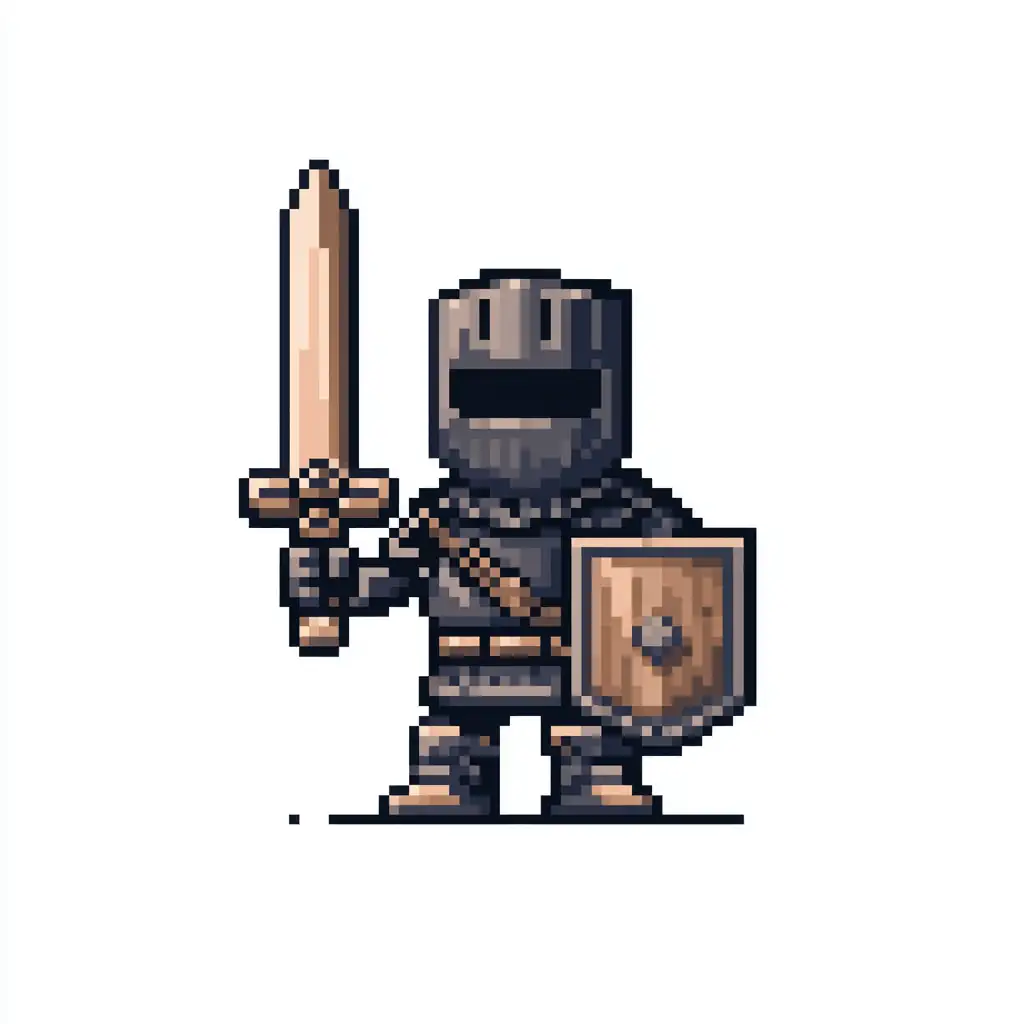
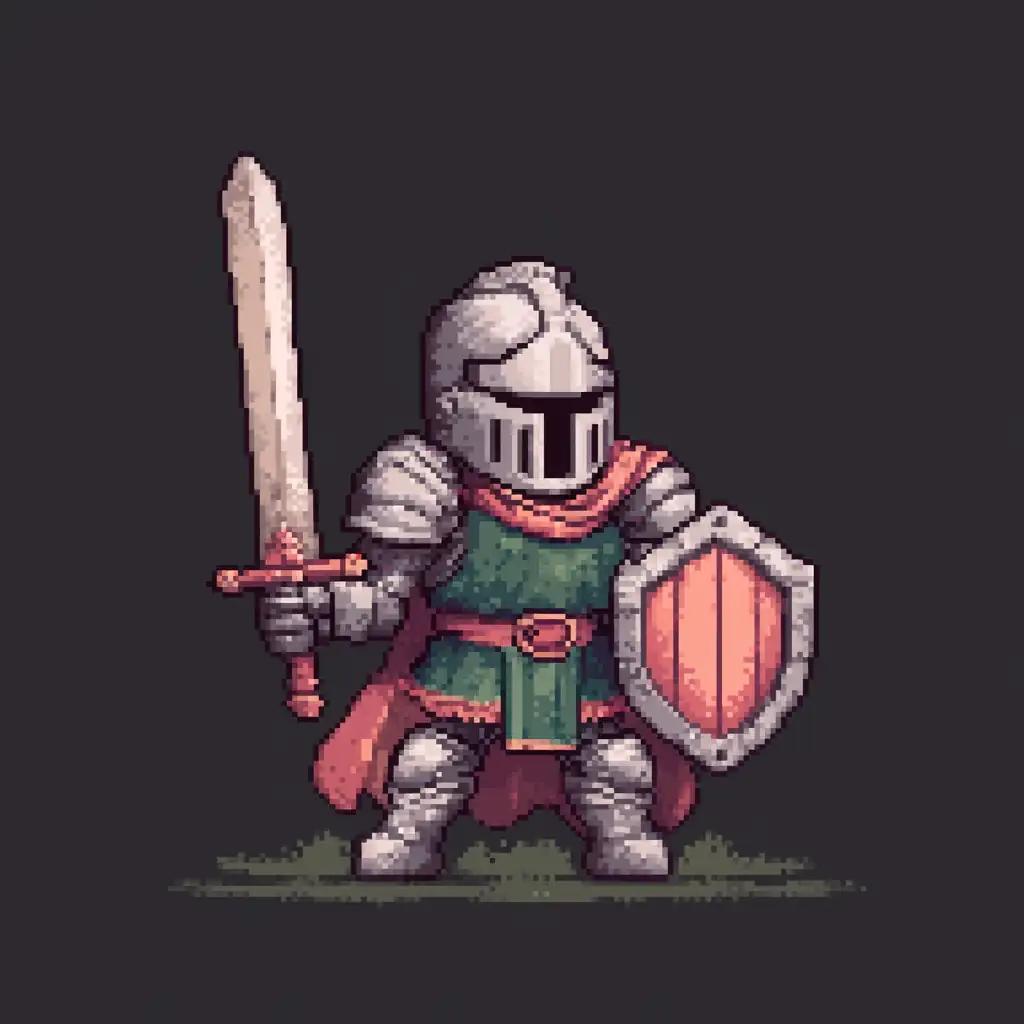
8-bit pixel art character sprite: fantasy knight with sword and shield, limited 16-color palette, NES style graphics, clear readable silhouette, simple shading with 2-3 tones per color, transparent background, front-facing pose, classic retro gaming aesthetic --ar 1:1 --stylize 100 --q 2
Key Techniques:
- Specify "8-bit" or "NES style" for authentic low-res aesthetics
- Use "limited color palette" with specific counts (16-color, 32-color)
- Emphasize "clear silhouette" for readable character design
- Keep
--stylizelow (50-150) to maintain pixel precision
16-bit Landscape Scene
Enhanced pixel art with richer colors and atmospheric depth.
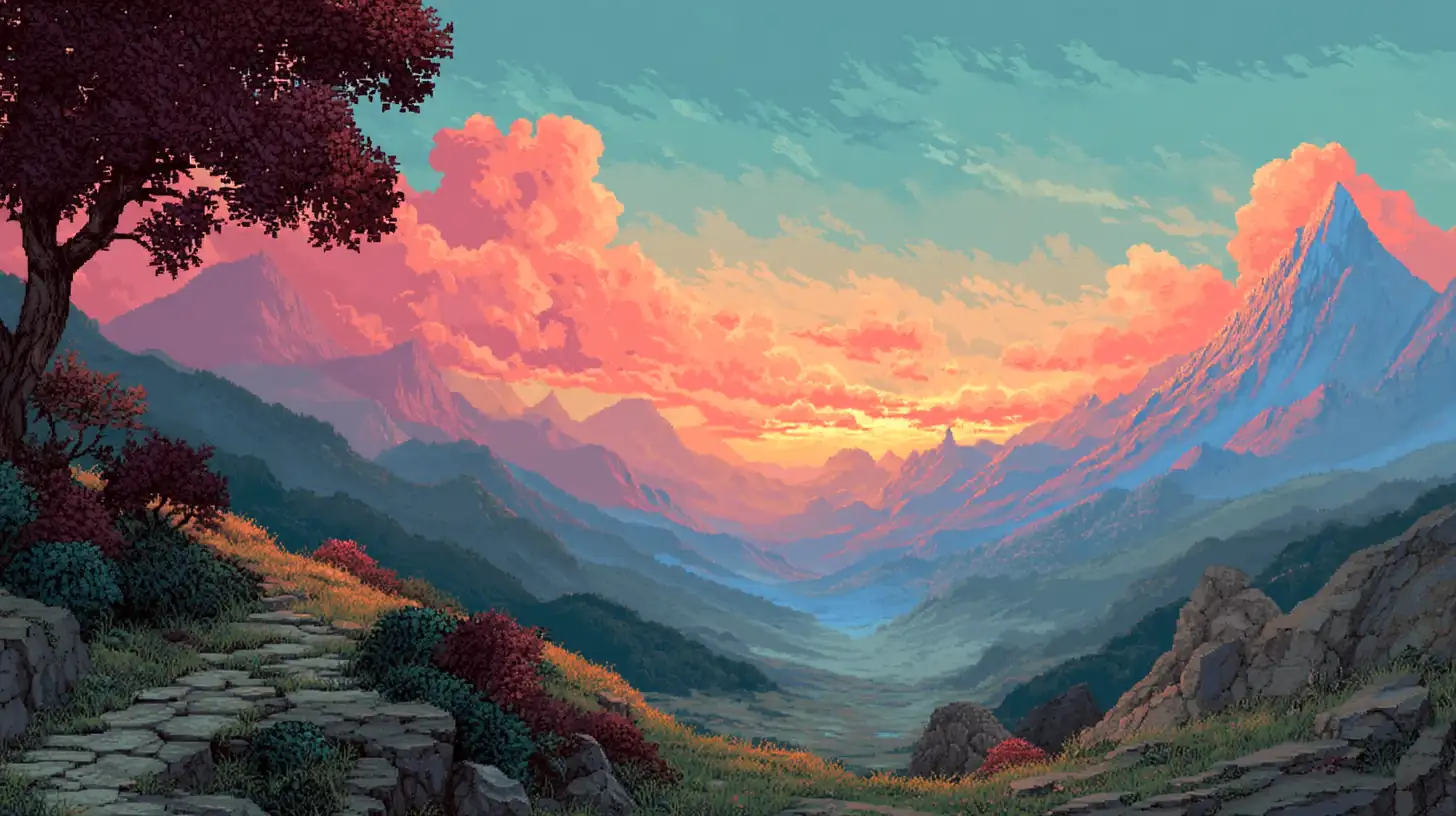
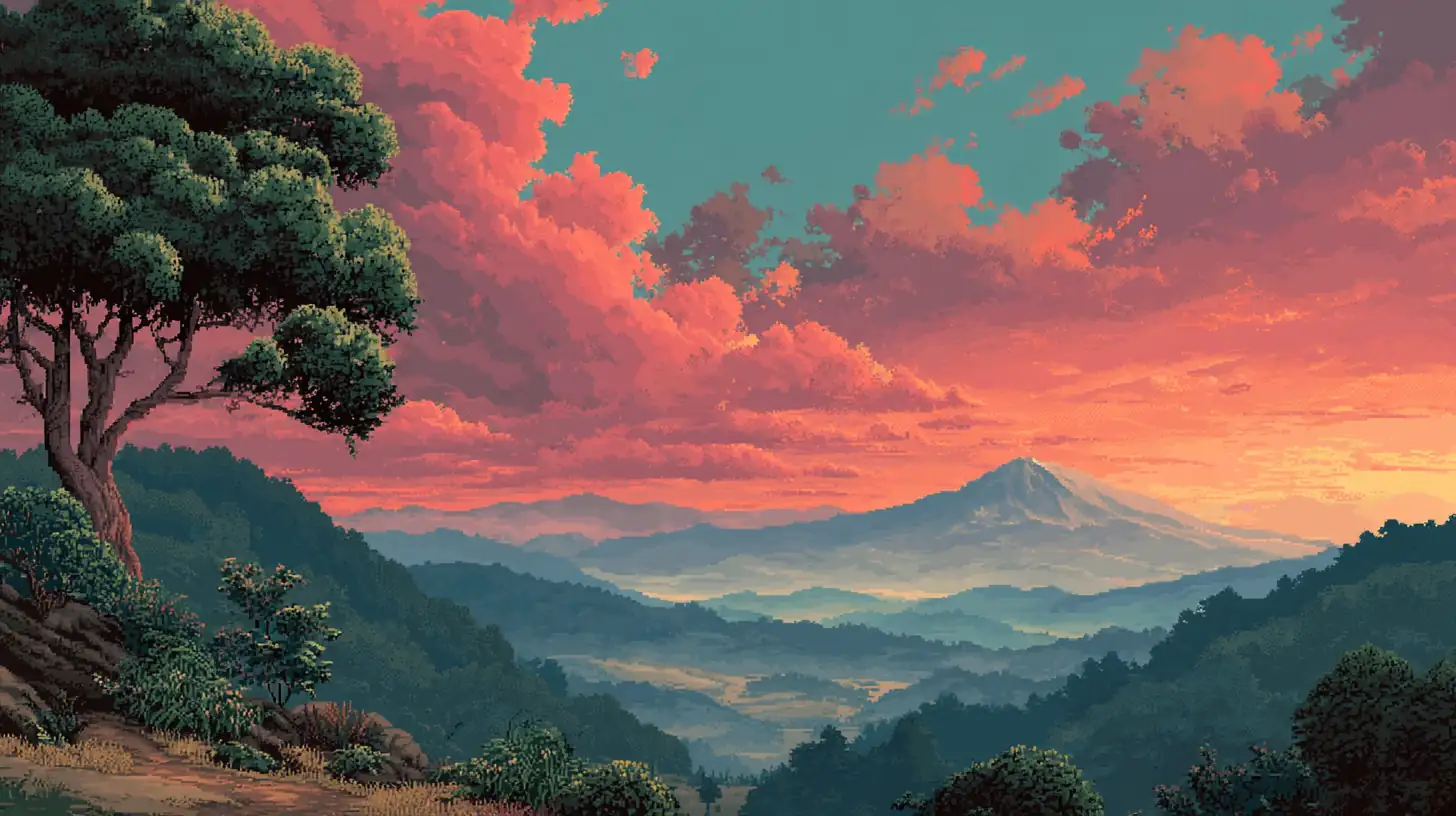
16-bit pixel art landscape: mountain valley at sunset, SNES style graphics, rich color palette with gradients, layered parallax background, detailed foreground vegetation, atmospheric depth with color banding, dithering for sky transitions, Super Nintendo aesthetic --ar 16:9 --stylize 200 --q 2
Key Techniques:
- Reference "SNES" or "Super Nintendo" for 16-bit authenticity
- Use "dithering" for smooth color transitions
- Mention "parallax layers" for depth
- Moderate
--stylize(150-250) balances detail and pixel constraints
Isometric Pixel Scene
3D perspective pixel art with precise geometric construction.
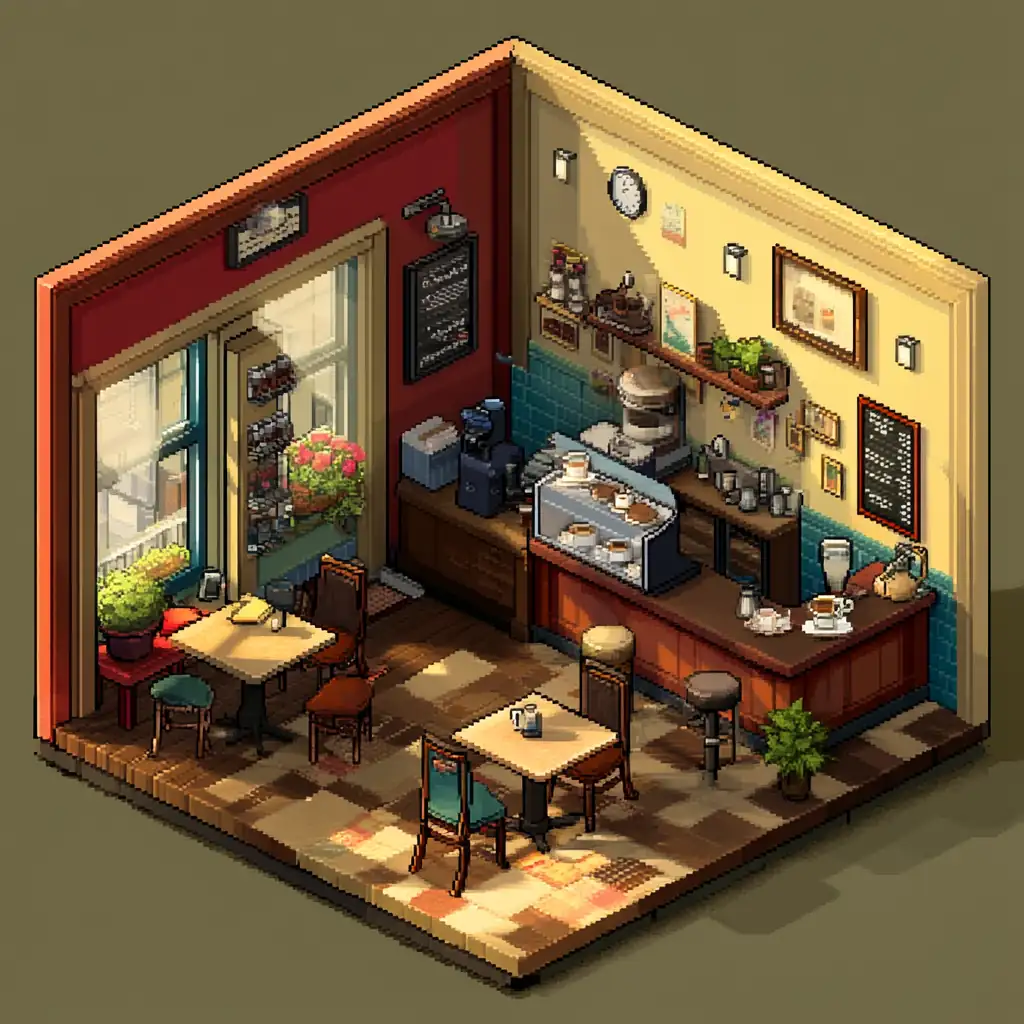
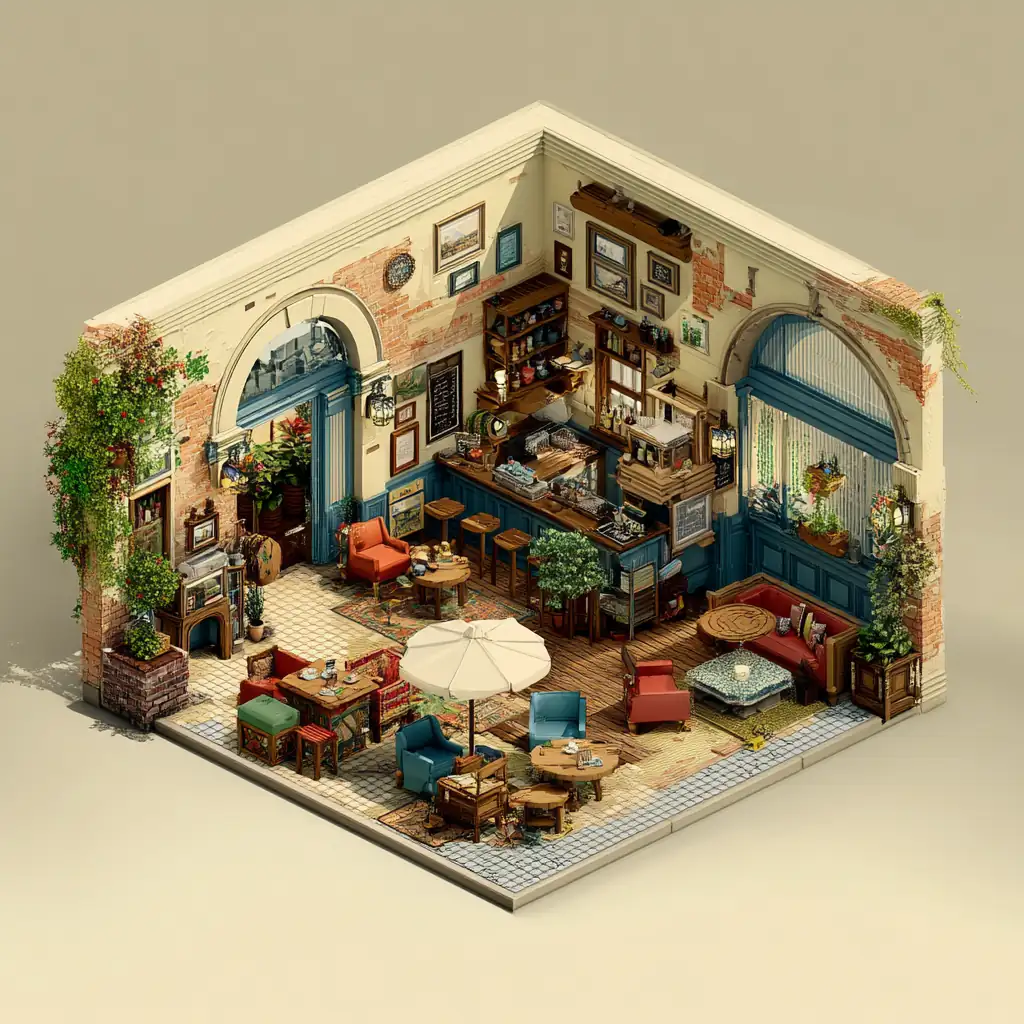
Isometric pixel art: cozy coffee shop interior, precise 2:1 pixel ratio isometric projection, detailed furniture and decorations, warm color palette, soft shadows, clean pixel edges, game asset style, vibrant but limited colors, charming atmosphere --ar 1:1 --stylize 150 --q 2
Key Techniques:
- Specify "isometric" and "2:1 pixel ratio" for correct perspective
- Use "precise angles" and "clean edges" for geometric accuracy
- Reference "game asset" for consistent styling
- Keep colors "vibrant but limited" for pixel art authenticity
Modern High-Res Pixel Art
Contemporary pixel art with advanced techniques and high detail.
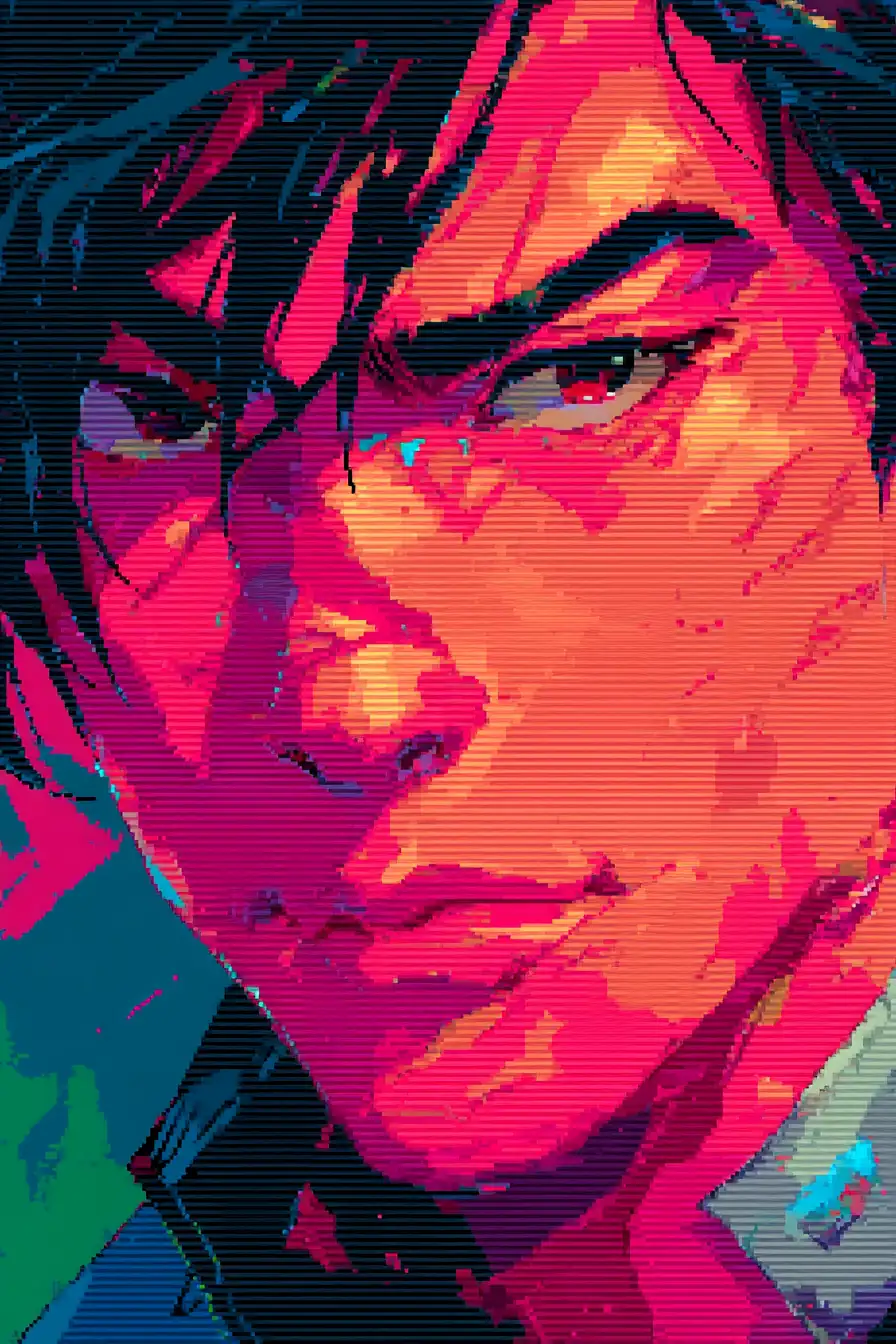
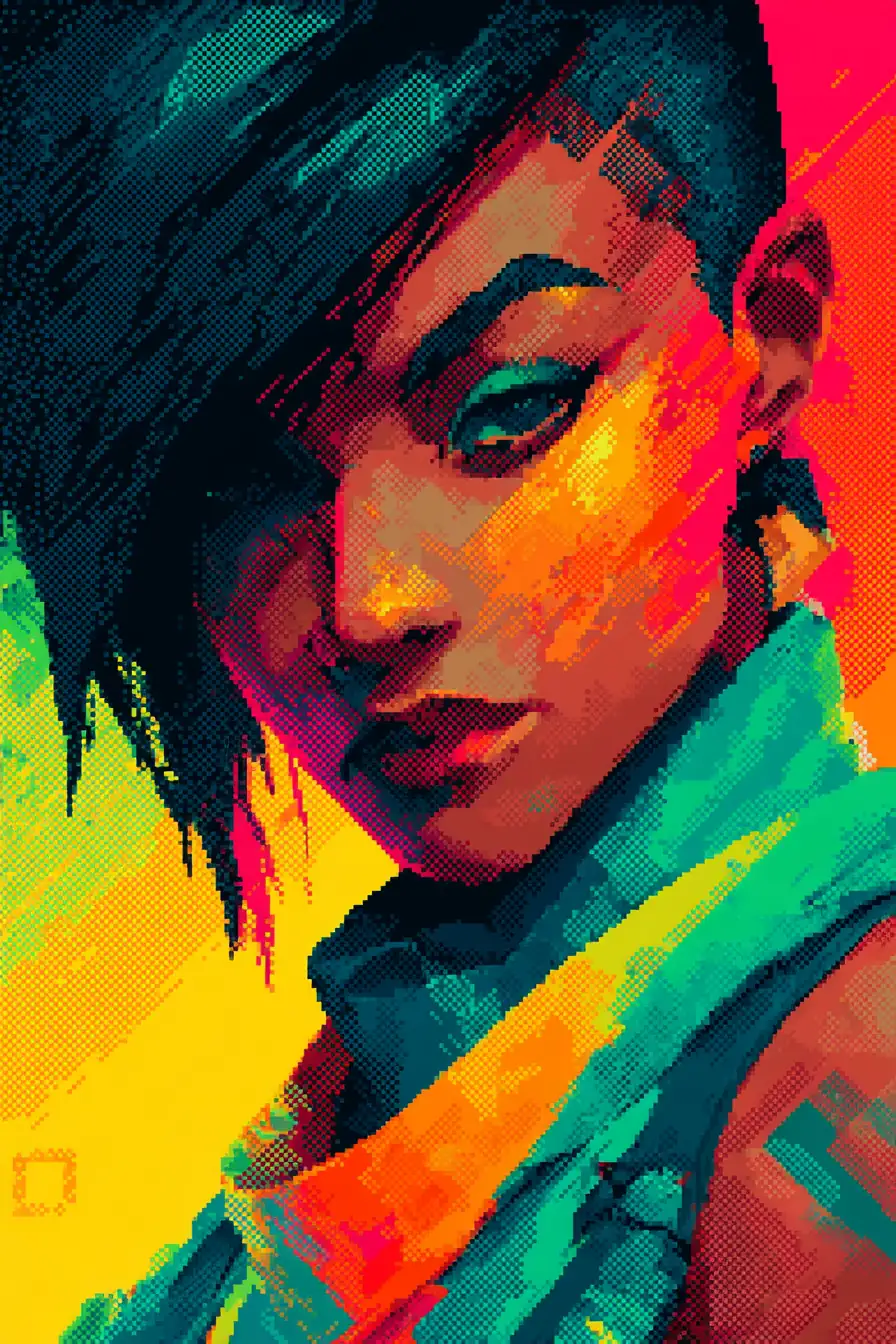
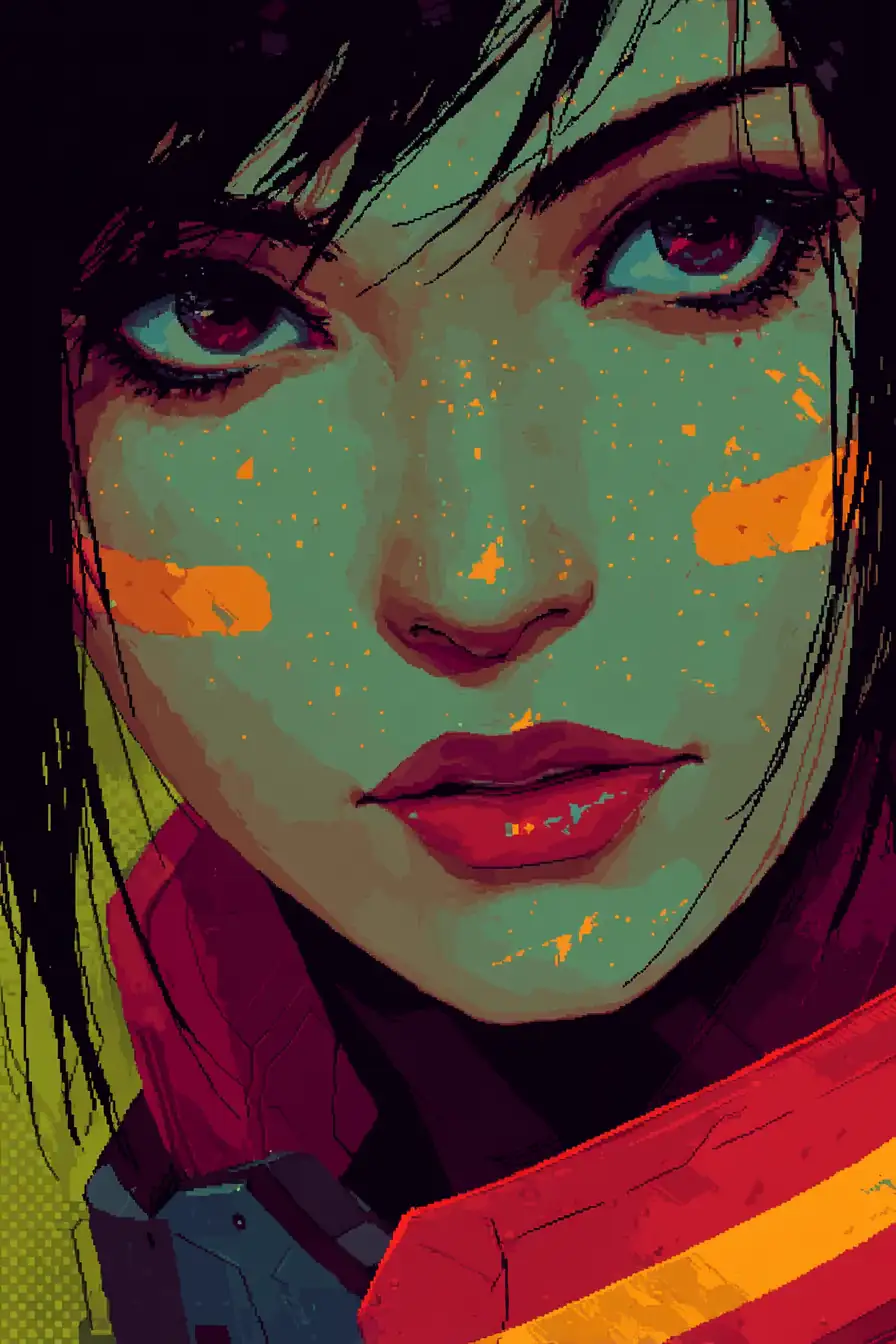
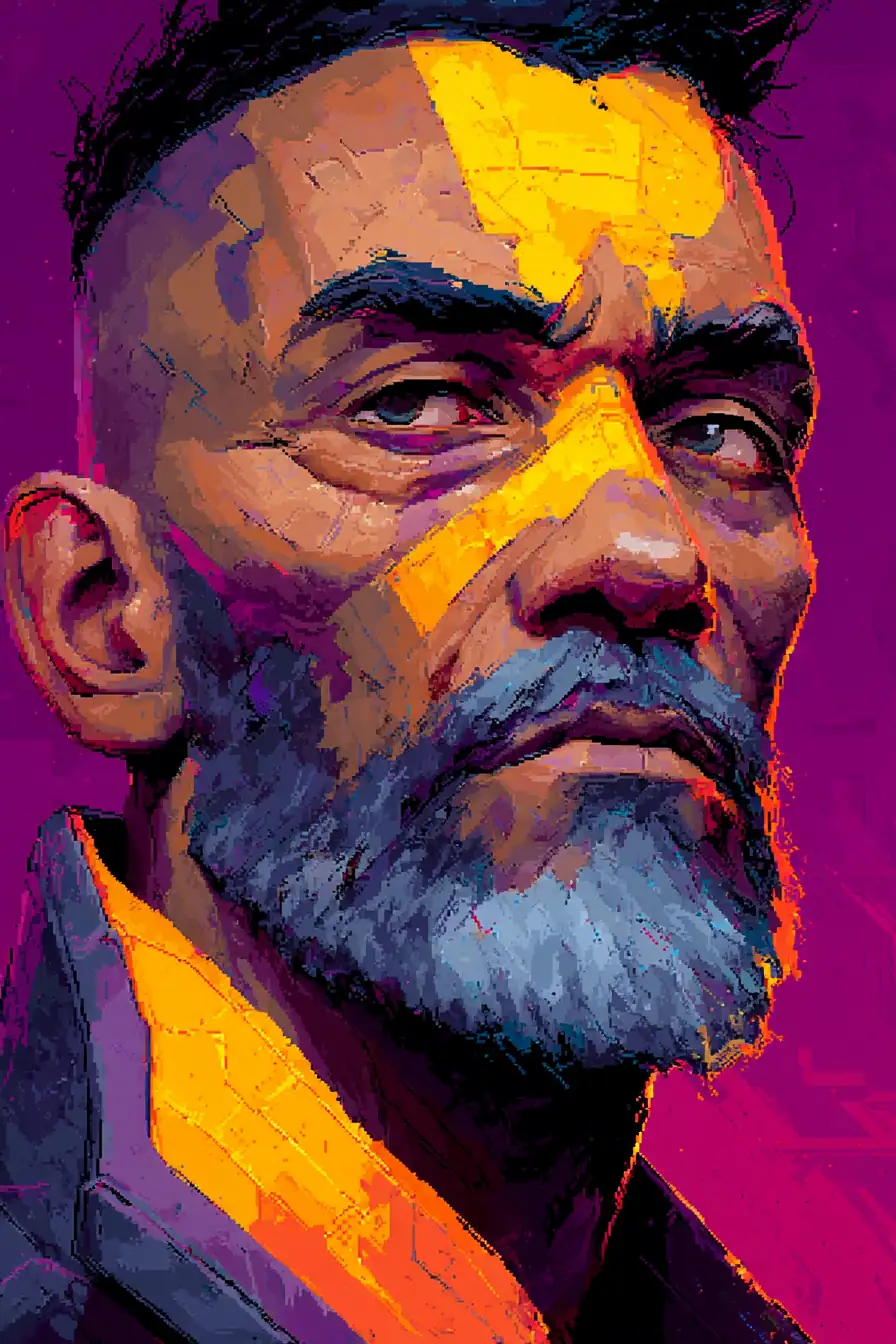
Modern pixel art portrait: cyberpunk character close-up, high resolution pixel art with anti-aliasing, rich color gradients and smooth shading, detailed facial features, neon accent colors, contemporary pixel art techniques, polished and refined, large color palette --ar 2:3 --stylize 300 --q 2
Key Techniques:
- Use "modern pixel art" or "high resolution pixel art"
- Mention "anti-aliasing" for smooth edges
- Include "gradients" and "smooth shading" for advanced techniques
- Higher
--stylize(250-350) allows more artistic freedom
Advanced Techniques
Dithering for Gradients
Create smooth color transitions using pixel patterns instead of true gradients.
Pixel art dithering technique::2 gradient patterns::1.5 retro aesthetic::1
- Checkerboard dithering for smooth transitions
- Limited color palette (32 colors maximum)
- Classic CRT monitor appearance
- Authentic retro gaming look
--ar 16:9 --stylize 150 --q 2
This prompts Midjourney to simulate the color mixing techniques used in classic games with limited palettes.
Tile-Based Backgrounds
Create seamless, repeating patterns perfect for game environments.
Tileable pixel art background, seamless pattern:
- Perfect edge alignment for tiling
- Consistent pixel grid throughout
- Repeating elements without visible seams
- Game-ready asset style
- Optimized for horizontal and vertical repetition
--tile --ar 1:1 --stylize 100 --q 2
Comprehensive Prompt Examples
Retro Game Scene
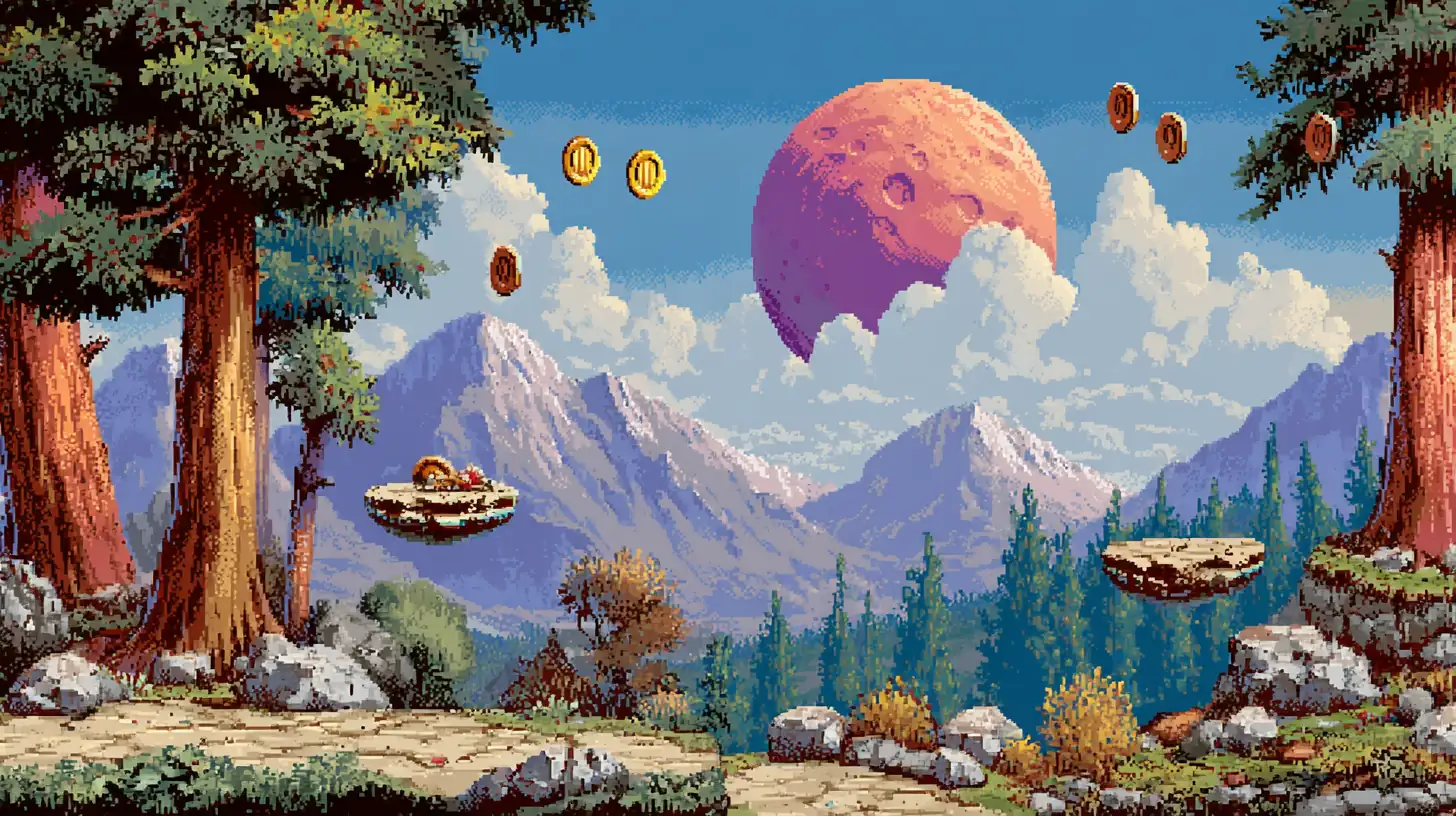
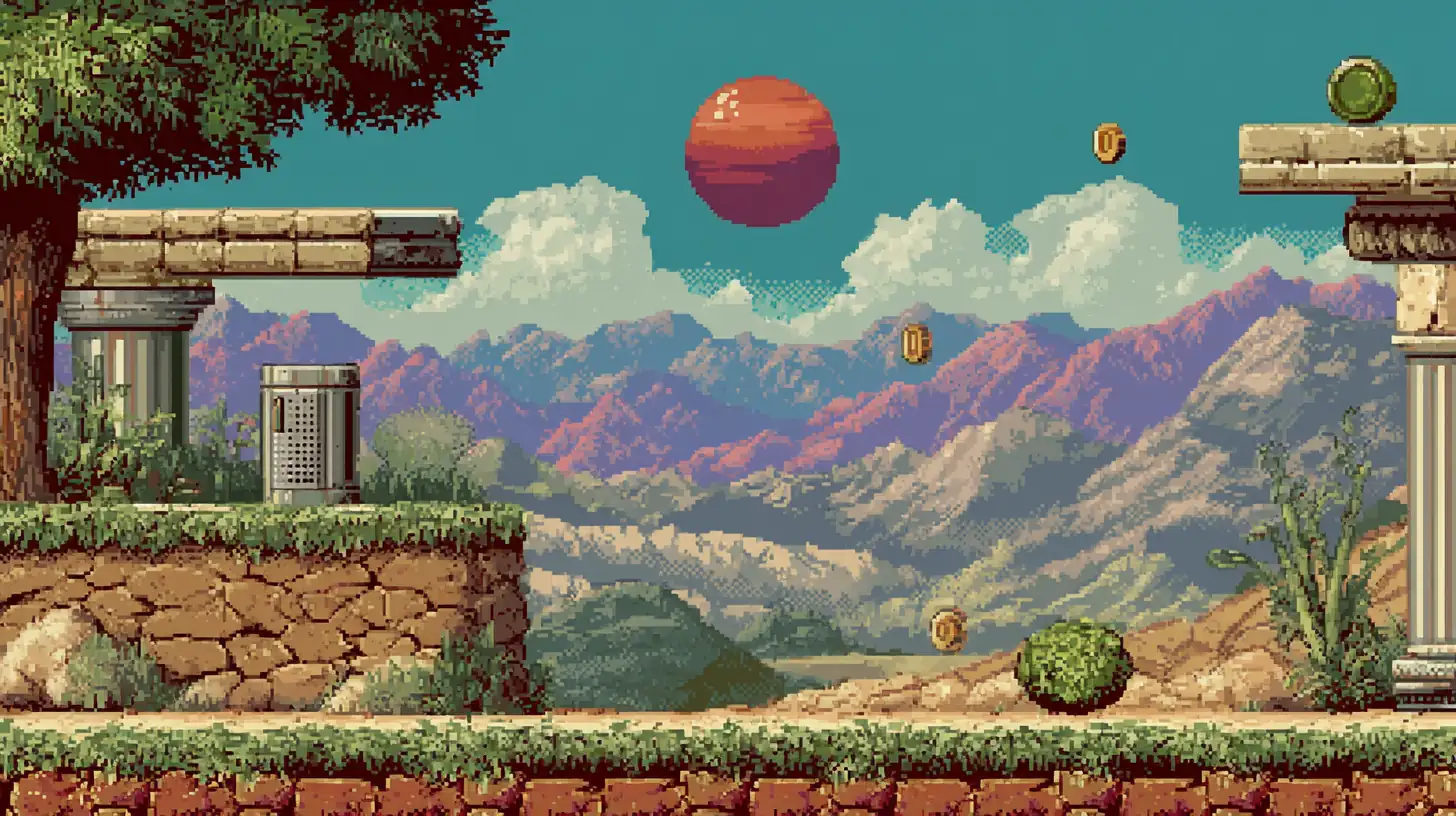
Pixel art platformer game scene: side-scrolling level with floating platforms, collectible coins, background mountains, vibrant arcade colors, clear gameplay elements, Genesis/Mega Drive 16-bit style, dithered sky, detailed foreground tiles, nostalgic gaming aesthetic --ar 16:9 --stylize 180 --q 2
Pixel Art Portrait
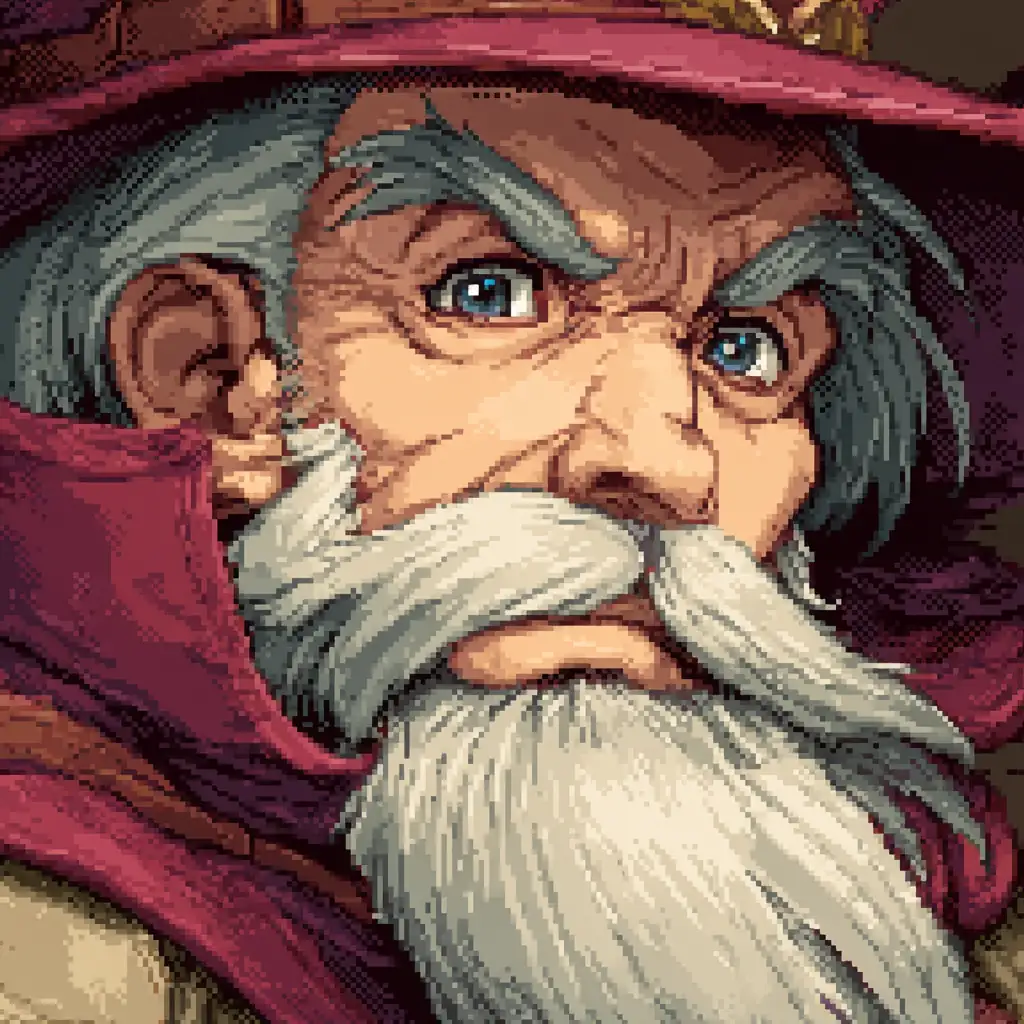
Pixel art character portrait: close-up of a wise wizard, RPG dialogue box style, detailed facial features with limited pixels, expressive eyes, careful color selection for skin tones, beard texture with individual pixels, warm color palette, Final Fantasy VI portrait style --ar 1:1 --stylize 120 --q 2
Cyberpunk Pixel City
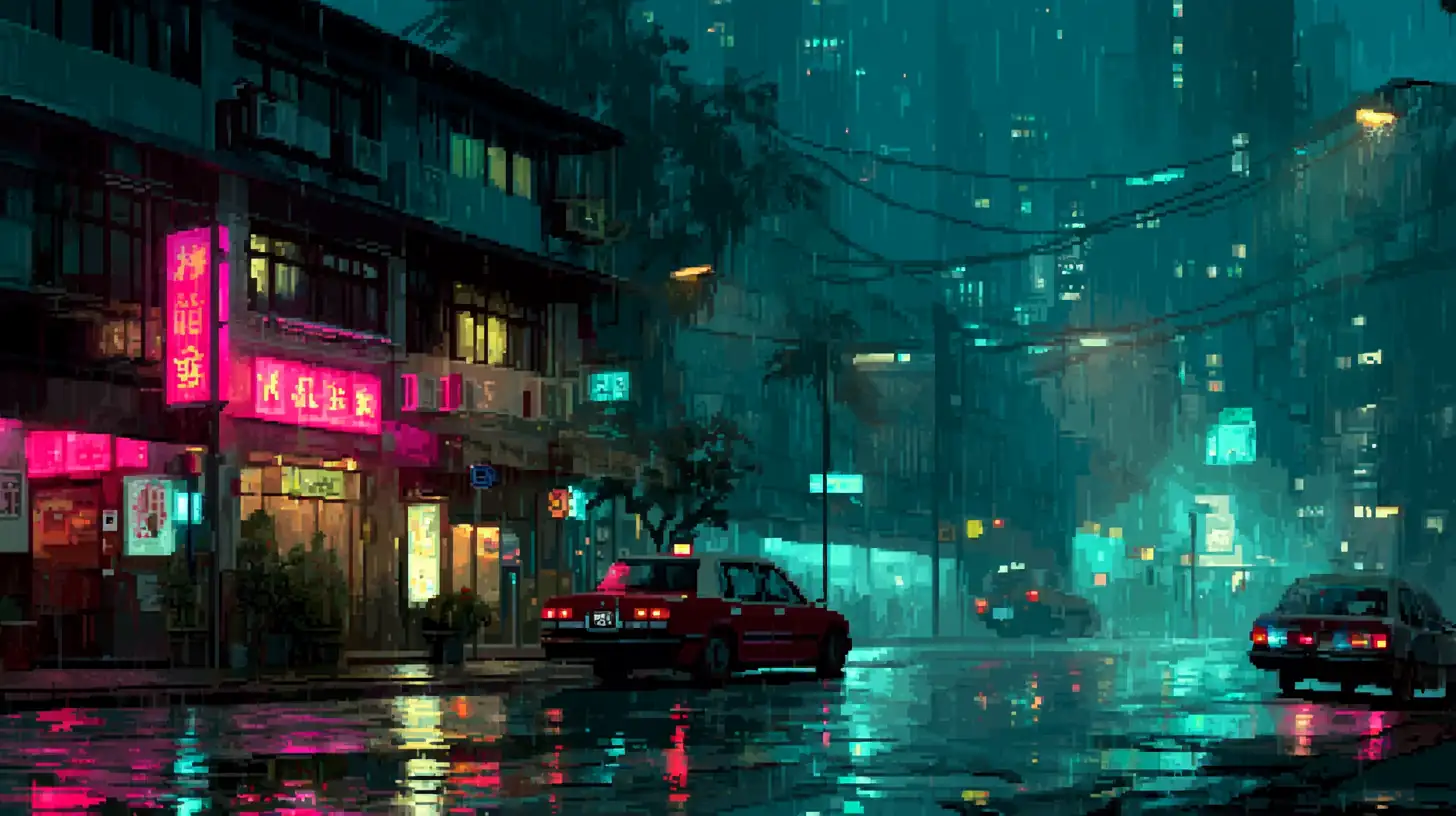
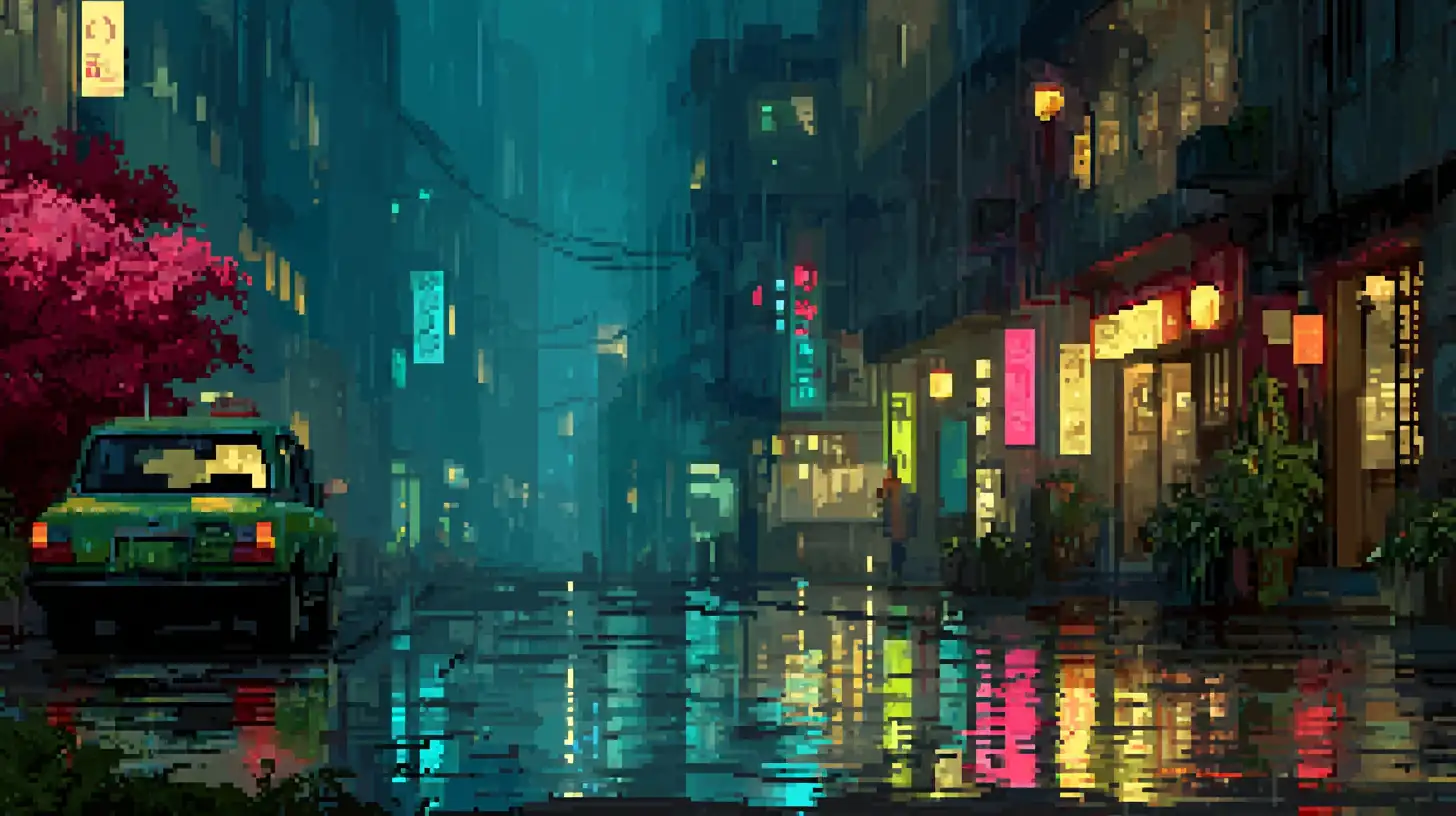
Pixel art cyberpunk city street: rainy night scene with neon signs, reflections on wet pavement, towering buildings with glowing windows, pixel art rain effect, vibrant pink and cyan neon colors, atmospheric lighting, modern pixel art style with high color count, cinematic composition --ar 16:9 --stylize 250 --q 2
Tips for Better Pixel Art Prompts
Specify Era and Platform
The gaming platform reference affects the style authenticity:
Platform References & Aesthetics
Layer Your Descriptions
Build prompts from the ground up:
1. STYLE/ERA        → "8-bit pixel art", "16-bit SNES style", "Modern pixel art"
2. SUBJECT          → The main focus
3. RESOLUTION       → "Low resolution", "High-res pixel art", "32x32 sprite"
4. COLOR PALETTE    → "16-color palette", "Limited colors", "Vibrant arcade colors"
5. TECHNIQUE        → "Dithering", "Anti-aliasing", "Tile-based", "Isometric"
6. PARAMETERS       → --ar [ratio] --stylize [value] --q 2
Pro Tip:
Don't just say "pixel art". Specify the bit depth and platform reference. "16-bit SNES style pixel art" gives vastly different results from "8-bit NES style pixel art".
Use Negative Prompts
Refine your output by excluding unwanted styles:
pixel art character --no blurry, smooth, anti-aliased, photorealistic, 3D render, painting, sketch
Parameter Cheat Sheet
Stylize Values for Pixel Art
Prompt Templates
Universal Pixel Art Template
[Subject] pixel art:
- Era: [8-bit/16-bit/Modern]
- Platform: [NES/SNES/Arcade]
- Color Palette: [Limited/Specific count]
- Resolution: [Low-res/High-res]
- Technique: [Dithering/Isometric/Tile-based]
--ar [Ratio] --stylize [Value] --q 2
Classic 8-bit Template
8-bit pixel art of [Subject]:
- Style: NES/Game Boy aesthetic
- Colors: limited 16-color palette
- Resolution: low-res, clear pixels
- Shading: simple 2-3 tone shading
- Background: [solid color/simple scene]
--ar 1:1 --stylize 100 --q 2
Modern Pixel Art Template
Modern pixel art of [Subject]:
- Style: high resolution pixel art
- Technique: anti-aliasing, smooth gradients
- Colors: rich, vibrant, large palette
- Detail: refined and polished
- Aesthetic: contemporary pixel art style
--ar [Ratio] --stylize 300 --q 2
Isometric Game Asset Template
Isometric pixel art [Subject]:
- Perspective: 2:1 pixel ratio isometric
- Style: game asset, clean edges
- Colors: vibrant but limited palette
- Detail: [simple/moderate/detailed]
- Purpose: [game environment/building/object]
--ar 1:1 --stylize 150 --q 2
Conclusion
Mastering pixel art in Midjourney is about embracing constraints as creative opportunities. By controlling descriptions of resolution, color palettes, and era-specific techniques, you can create digital images that capture the authentic charm of classic pixel art.
- Embrace limitations: Fewer colors and lower resolution often create more compelling results.
- Reference specific platforms: NES, SNES, Game Boy references guide the AI toward authentic aesthetics.
- Balance old and new: Combine retro techniques with modern subjects for unique pixel art.
Start with the templates above and build your own collection of pixel art masterpieces.
Next Steps:
- Explore Digital Art for modern illustration techniques.
- Check SREF Codes for consistent style references.
- Visit Midjourney Prompting Guide for fundamental techniques.
Related Articles & Guides
Vintage & Retro SREF Codes for Midjourney
Curated vintage and retro Midjourney SREF codes for nostalgic aesthetics from past decades.
 #Midjourney
Midjourney Art Styles: Master Diverse Artistic Aesthetics and Techniques
Unlock the full range of artistic styles in Midjourney. Learn to craft prompts for digital art, traditional media, contemporary styles, and historical aesthetics. Master style parameters, blending techniques, and best practices.
 #Midjourney
Mastering Watercolor Art in Midjourney: Techniques, Styles, and Prompts
Create stunning watercolor artwork with Midjourney using advanced prompts, blending techniques, and artistic parameters. Explore traditional, contemporary, and experimental watercolor styles.