Presentation Guide - Master Academic Presentations
Master academic presentations with these ChatGPT prompts designed to help you create and deliver effective presentations, from planning to delivery.
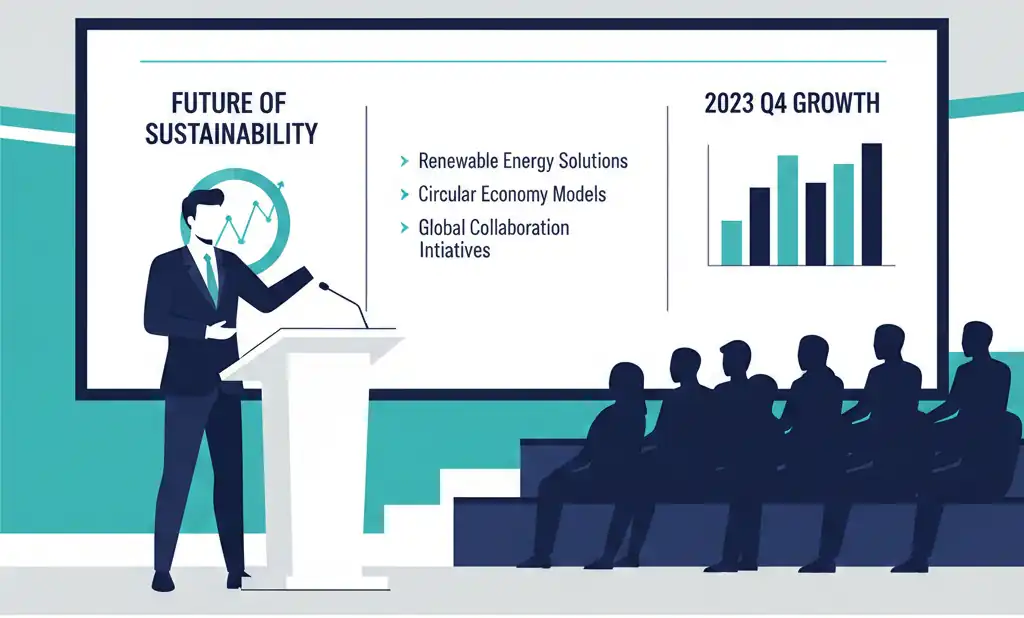
Creating compelling academic presentations requires careful planning, engaging content, and confident delivery. This comprehensive guide provides ChatGPT prompts to help you master every aspect of academic presentations—from initial planning and slide design to delivery techniques and Q&A preparation.
Whether you're preparing for a thesis defense, conference presentation, or classroom lecture, these prompts will help you structure your content, design effective visual aids, and develop the confidence to deliver your message with impact. For help structuring the written content behind your presentation, check out our Essay Structure guide.
Note:
Pro Tip: The 10-20-30 rule (10 slides, 20 minutes, 30-point font) is a helpful starting point for most academic presentations. Adjust based on your specific requirements, but always prioritize clarity over comprehensiveness.
Planning Your Presentation
Effective presentations start with solid planning. These prompts will help you organize your ideas, understand your audience, and create a strategic structure for maximum impact.
Topic Organization
Help me organize my presentation:
Topic: [subject]
Duration: [time]
Audience: [academic level/background]
Purpose: [inform/persuade/defend]

Consider:
- Key message and learning objectives
- Target audience knowledge level
- Time allocation for each section
- Content hierarchy and flow
- Visual aid requirements
- Interactive elements
- Assessment methods
Structure Development
Help me develop a presentation structure:
Topic: [subject]
Duration: [time]
Format: [lecture/defense/conference]

Include:
- Attention-grabbing opening
- Clear thesis statement
- Main arguments/sections
- Supporting evidence
- Strategic transition points
- Memorable conclusion
- Q&A session planning
- Time buffers
Content Creation
Transform your ideas into visually compelling slides and engaging scripts. These prompts focus on design principles, effective storytelling, and creating content that resonates with your audience.
Slide Design
Help me design slides:
Topic: [subject]
Style: [formal/creative]
Duration: [time]
Slides count: [number]

Consider:
- Visual hierarchy principles
- Text-to-image ratio (30:70 rule)
- Color scheme and contrast
- Typography and readability
- Animation purpose and timing
- Data visualization methods
- Accessibility considerations
- Branding requirements
Script Development
Help me write a presentation script:
Topic: [subject]
Key points: [main arguments]
Duration: [time]
Style: [formal/conversational]

Include:
- Natural transitions between sections
- Engaging language and examples
- Time markers and pacing notes
- Audience interaction prompts
- Visual aid cues
- Emphasis points
- Technical terminology explanations
- Citation mentions
When including research in your slides, ensure proper attribution using our Citation Guide.
Delivery Preparation
Confident delivery can make or break a presentation. Use these prompts to refine your speaking techniques, prepare for questions, and manage presentation anxiety.
Note:
Practice Makes Perfect: Rehearse your presentation at least 3-5 times before the actual delivery. Record yourself to identify areas for improvement in pacing, clarity, and body language.
Speaking Techniques
Help me develop speaking techniques:
Presentation type: [format]
Venue: [location/platform]
Duration: [time]
Audience size: [number]

Focus on:
- Voice modulation and projection
- Pace and rhythm control
- Body language and positioning
- Eye contact patterns
- Gesture effectiveness
- Microphone technique
- Energy management
- Confidence building
Q&A Preparation
Help me prepare for Q&A:
Topic: [subject]
Audience: [type]
Duration: [time]
Format: [in-person/virtual]

Include:
- Anticipated questions list
- Response frameworks
- Handling challenging questions
- Time management strategies
- Follow-up techniques
- Resource references
- Discussion moderation
- Closing remarks
For exam-related presentations, our Exam Preparation guide offers additional strategies for handling challenging questions.
Visual Aids
Visual elements enhance understanding and retention. These prompts help you select and integrate appropriate media to support your message without overwhelming your audience.
Media Integration
Help me integrate media:
Presentation type: [format]
Available technology: [tools]
Content type: [data/concepts/processes]

Consider:
- Media types selection
- Strategic placement
- Technical requirements
- Backup alternatives
- Transition effects
- File formats
- Loading times
- Accessibility options
Best Practices
- Keep slides simple and focused
- Practice timing and transitions
- Prepare backup materials
- Test all technical equipment
- Engage with your audience
- Use appropriate academic language
- Include clear citations for sources
Related Articles & Guides
 #exam-prep
Exam Preparation Guide: ChatGPT Prompts for Success
Master exam preparation with these ChatGPT prompts designed to help you study effectively, create study schedules, and perform well in academic assessments.
 #chatgpt-prompts
ChatGPT Research Assistant Prompts for Academics
Master academic research with ChatGPT. Comprehensive prompts for literature reviews, methodology, data analysis, and scholarly writing.
 #academic-writing
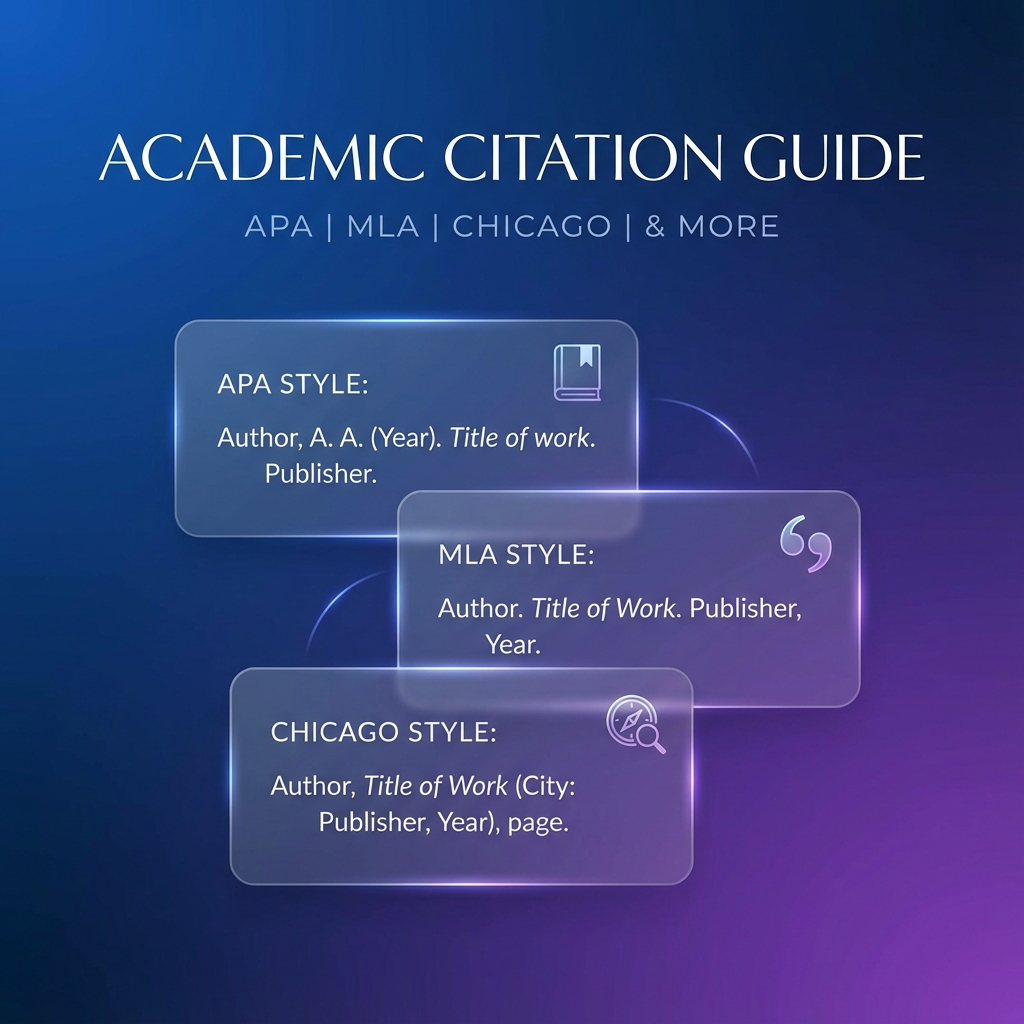
Academic Citation Guide
Master academic citations with these comprehensive prompts designed to help you properly cite sources, manage references, and handle complex citation scenarios in academic writing.